
How to Connect Your RCA Remote to Your TV: A Comprehensive Guide
Introduction
Connecting your RCA remote to your TV can be straightforward, provided you have a clear set of instructions to follow. RCA remotes are a popular choice because of their versatility and compatibility with various TV brands. This guide will walk you through the steps to set up your remote, troubleshoot any potential issues, and ensure optimal performance.
Understanding Your RCA Remote and TV Compatibility
Before you begin the connection process, it’s important to verify that your RCA remote is compatible with your TV. Check the remote’s packaging or manual for a list of supported TV brands. This initial step ensures that your efforts in programming the remote will be effective. Once compatibility is established, you can proceed with confidence, knowing that your remote is suitable for your TV.
Preparing Your RCA Remote for Connection
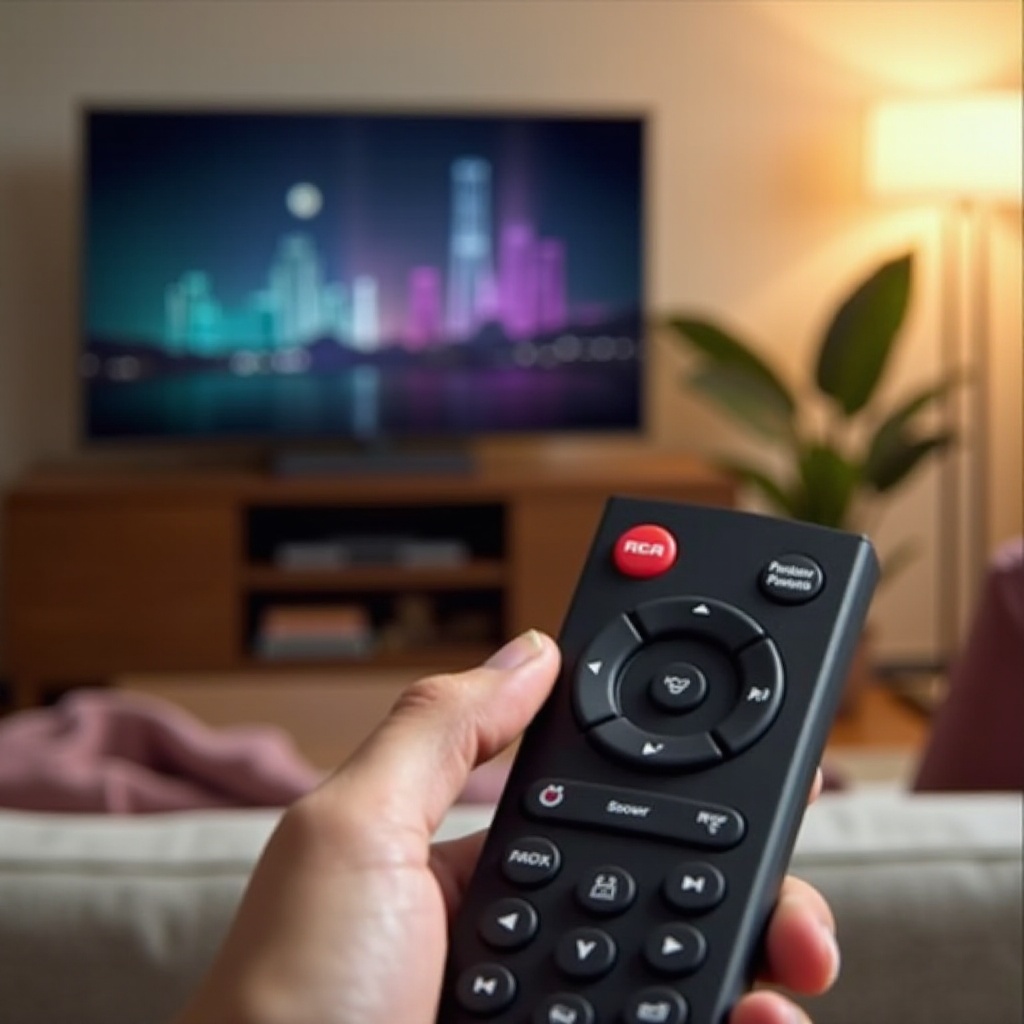
Preparation involves ensuring your remote is in working condition. Start by checking the batteries to ensure they are fresh and properly inserted. Inspect the remote for any damage and clean it with a soft cloth to remove any dust. By taking these preventative measures, you set yourself up for a smoother programming experience.
Step-by-Step Guide to Connect RCA Remote to TV
Following a structured approach makes the connection process easier. Choose between the automatic code search method or the manual code entry method based on your preference:
- Automatic Code Search Method:
- Turn on your TV manually.
- Hold the TV button on your RCA remote until the power light stays on.
- Press and hold the Power button, then release the TV button.
- Release the Power button when the light stays on, then press and release the Play button repeatedly until your TV turns off.
-
Press and release the Reverse button until your TV turns on, then press Stop to save the code.
-
Manual Code Entry Method:
- Turn on your TV manually.
- Find the correct code for your TV brand from the RCA manual.
- Hold down the TV button while pressing the Power button.
- Enter the code using the number buttons and release all buttons. Test by pressing Power.
Both approaches are effective, and the choice of method depends on your comfort with manual code entry or preference for automatic search.
Troubleshooting Common RCA Remote Connection Issues
If your initial setup attempts are unsuccessful, don’t panic. Here are some troubleshooting tips:
- If Codes Don’t Work:
- Double-check for the correct TV codes in the manual.
- Try additional codes if available.
-
Ensure proper code entry sequence.
-
Resetting Your Remote:
- Remove the batteries and press each button twice.
-
Insert new batteries and attempt setup again.
-
Resolving Signal Problems:
- Ensure nothing obstructs the remote and TV.
- Consider other devices that may interfere with the signal.
Addressing these common challenges can streamline the connection process.
Tips for Maintaining Optimal Remote Performance
Long-term remote performance relies on proper care:
– Store it in a dry, safe place.
– Avoid dropping to prevent physical damage.
– Clean regularly to prevent dust buildup.
Taking care of your remote not only enhances usability but also prolongs its lifespan, ensuring you maintain control of your TV with ease.
Conclusion
With the outlined steps and troubleshooting tips, setting up your RCA remote should be seamless and efficient. Properly configuring your remote enriches your TV viewing experience, offering the convenience of control at your fingertips. Enjoy uninterrupted entertainment as you switch channels or adjust the volume with ease.
Frequently Asked Questions
What should I do if my RCA remote is not responding to my TV?
First, recheck the TV code is correct. Replace the remote batteries and ensure no obstructions block the remote and TV signal.
Where can I find the right code for my TV model?
The RCA remote manual or the RCA website provides a list of codes. Ensure to use the code specific to your TV brand.
Can RCA remotes be used with other devices besides TVs?
Yes, RCA remotes are often universal and can work with devices like DVD players and audio receivers using appropriate codes.