
How to Connect Your Soundbar to Your TV Using an HDMI ARC Cable
Introduction
Enhancing your TV’s audio can significantly elevate your viewing experience. By connecting your soundbar to your TV using an HDMI ARC (Audio Return Channel) cable, you can enjoy a streamlined setup with superior sound quality. This guide will delve into the function of HDMI ARC, its benefits, how to properly connect devices, and troubleshooting solutions for common issues.

What is HDMI ARC?
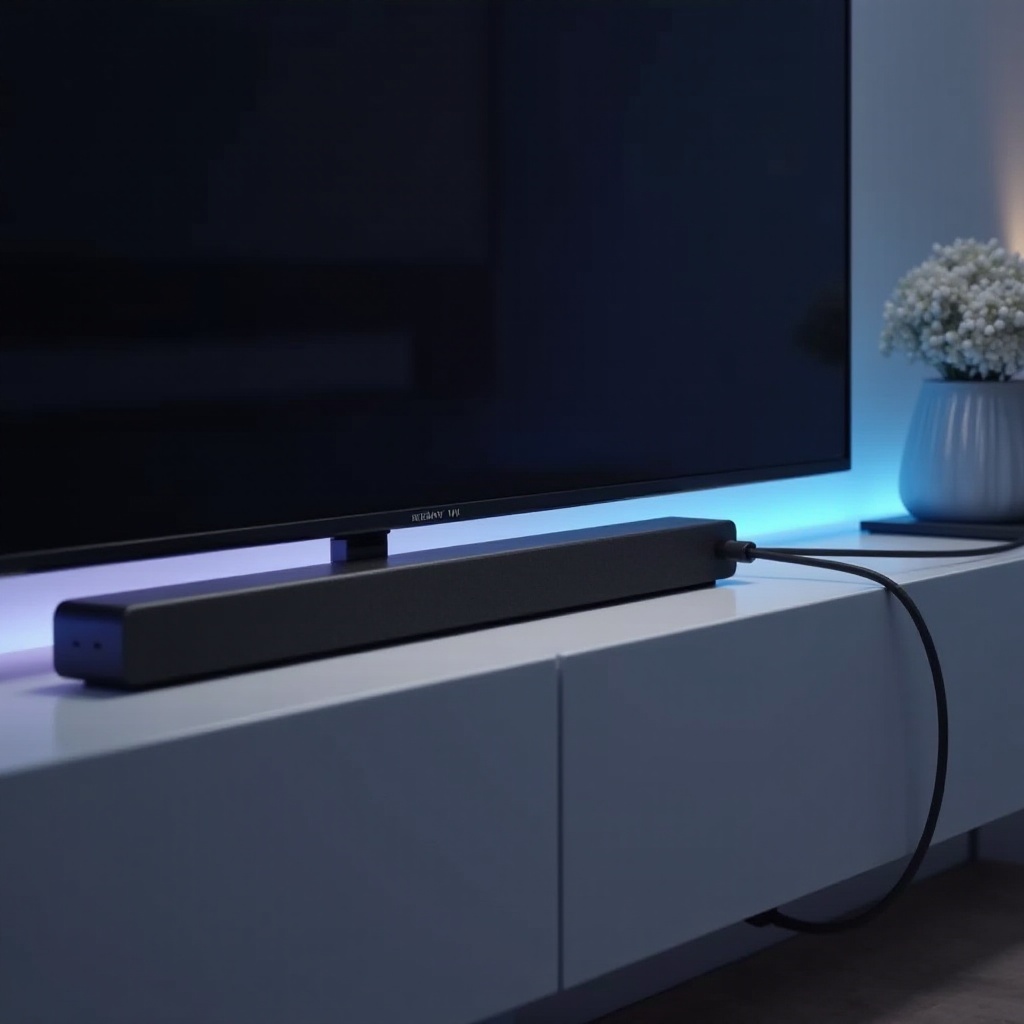
HDMI ARC is an innovative feature of the HDMI standard that allows for two-way audio communication via a single cable. This means one HDMI cable can be used for sending audio data from your TV to your soundbar while also handling video streams from other devices to your TV. By eliminating the need for additional audio connections, HDMI ARC simplifies your setup and ensures high-quality audio reproduction.
Understanding HDMI ARC’s role in the home theater landscape is crucial for optimizing your entertainment system’s audio capabilities. It’s not only about convenience but also about enjoying richer soundscapes.
Benefits of Using HDMI ARC for Your Soundbar and TV
Utilizing HDMI ARC in your home entertainment setup offers numerous advantages:
-
Simplified Connections: HDMI ARC reduces cable clutter by enabling both audio and video data transfer through a single HDMI connection. This makes organizing your entertainment area easier while maintaining the aesthetics of your home.
-
High-Quality Audio Support: The technology supports various advanced audio formats like Dolby Digital and PCM. This ensures you experience detailed and immersive audio whether you’re watching movies, streaming shows, or playing games.
The seamless integration and enhanced audio quality offered by HDMI ARC not only simplifies setup but enhances your overall viewing experience, ensuring your content looks and sounds as intended.
Step-by-Step Guide to Connecting Your Soundbar to Your TV Using HDMI ARC
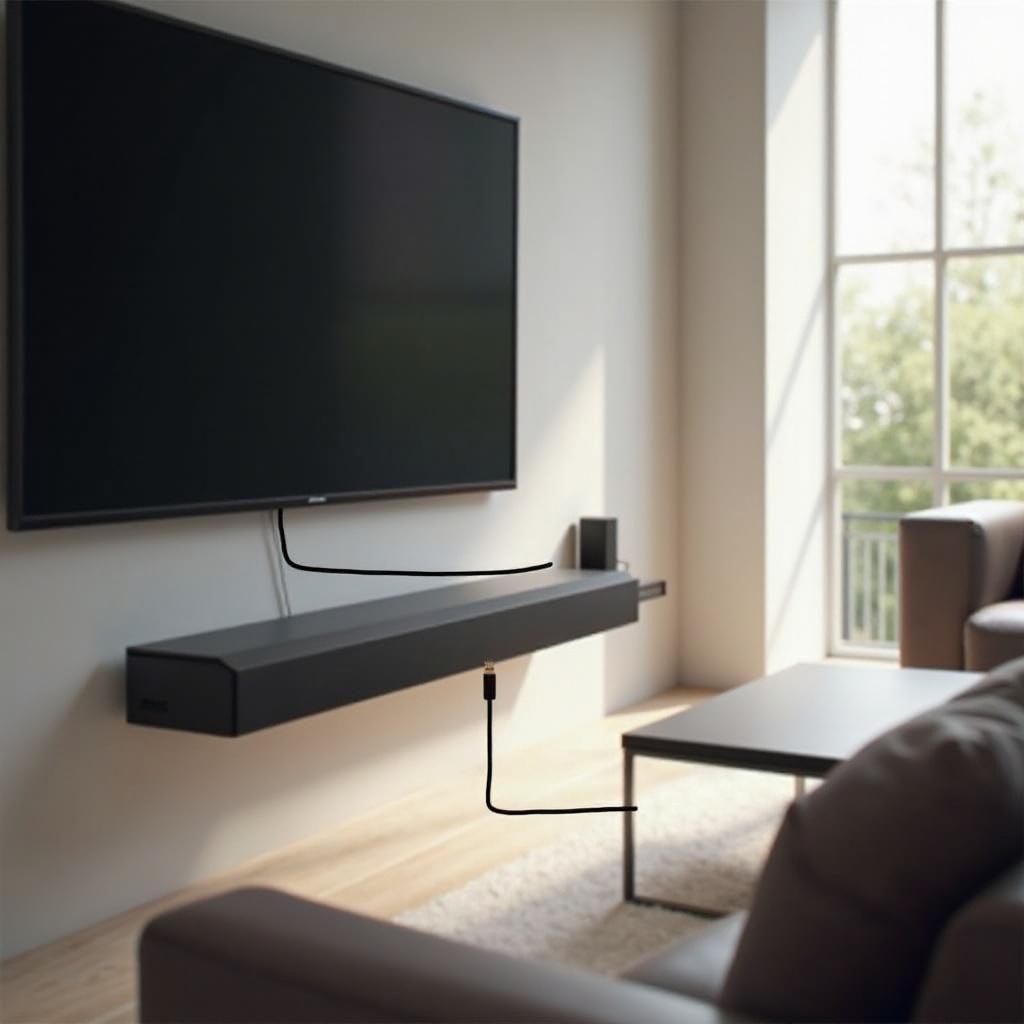
Setting up your soundbar with your TV using HDMI ARC involves straightforward steps:
- Identifying HDMI ARC Ports:
-
Inspect your TV and soundbar to locate HDMI ports labeled ‘ARC’ or ‘HDMI (ARC)’. Not all HDMI ports have ARC functionality, so ensure you’re using the right ones.
-
Connecting the HDMI ARC Cable:
-
Use a high-speed HDMI cable to link the ARC port on your TV with the ARC port on your soundbar. Ensure both ends are securely connected.
-
Configuring TV and Soundbar Settings:
- Power on both devices. Access your TV’s audio settings to select HDMI ARC as the output method. Likewise, ensure your soundbar is set to receive input from its HDMI ARC port. Consult the user manuals for device-specific configuration instructions as necessary.
This step-by-step process guarantees that signals between your TV and soundbar are perfectly aligned, delivering optimal audio performance.
Troubleshooting Common HDMI ARC Issues
Encountering issues with HDMI ARC is not uncommon, but most are easily resolved:
- No Sound or Poor Audio Quality:
-
Double-check that both devices are powered, properly connected, and configured to use HDMI ARC. Make sure your TV’s audio is not muted and the soundbar is set to the correct input mode.
-
Synchronization Problems:
- Sometimes, audio lag can occur. Adjust the audio delay in your TV or soundbar settings until the sound synchronizes with the on-screen action.
By addressing these troubleshooting tips, you can maintain a flawless and enjoyable entertainment experience.
Enhancements in HDMI Technology: eARC
As HDMI technology evolves, the introduction of eARC (enhanced Audio Return Channel) has brought further advancements. Offering greater bandwidth and speed, eARC supports high-bitrate audio formats like Dolby TrueHD and DTS-HD Master Audio, enhancing your listening experience. Consider checking for eARC compatibility when upgrading devices to future-proof your home theater.
Conclusion
HDMI ARC is an essential element for anyone looking to upgrade their home entertainment setup. By simplifying connectivity and maintaining top-notch audio quality, it provides a superior experience for viewers and listeners alike. Following this guide, you can easily connect your soundbar to your TV and address any issues that arise, ensuring every show, movie, or game sounds as incredible as it looks.
Frequently Asked Questions
What if my TV doesn’t have an HDMI ARC port?
If your TV lacks an HDMI ARC port, you can connect your soundbar using an optical cable or standard stereo cables for audio output.
Can I use a regular HDMI cable for ARC?
Yes, a standard high-speed HDMI cable will support ARC features. Ensure it is connected to HDMI ARC ports on both the TV and soundbar.
How do I know if my soundbar supports HDMI ARC?
Check your soundbar’s manual or the manufacturer’s website for details. Look for an HDMI port labeled ‘ARC’ on the soundbar, indicating its support.