
What Does It Mean When Alexa Is Red? An In-Depth Guide for 2024
Introduction
Alexa smart speakers are fixtures in many homes, assisting with tasks and answering questions with ease. However, when the device displays a red light, it can be worrying. This red ring commonly signifies issues with communication or adjustments needed in privacy settings. Fully understanding this indicator is vital for resolving potential issues and ensuring your Alexa device continues to perform optimally.
Moving on from understanding the role of the red light indicator, it is essential to delve deeper into its implications. Let’s find out what this signal means and how to address the underlying issues effectively.
The Significance of Alexa’s Red Light
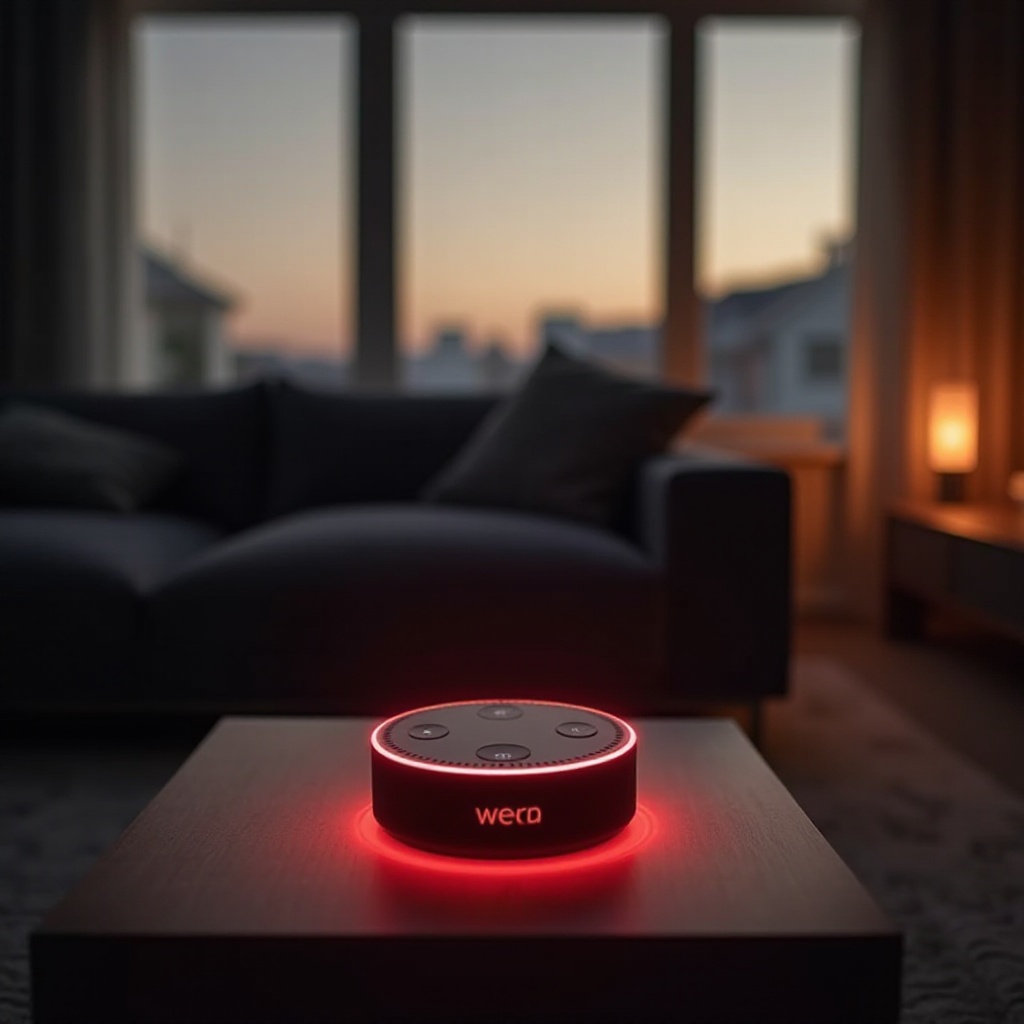
When your Alexa speaker shows a red light, it’s typically an indicator of a few underlying issues. Most often, the red light indicates that Alexa’s microphone is turned off. This feature is designed to safeguard privacy, ensuring Alexa isn’t listening to conversations inadvertently.
Additionally, the red light can signal connectivity problems. This occurs when Alexa cannot reach Amazon’s servers due to network disruptions. It’s a prompt to verify both the internet and router status to ensure proper connectivity.
Recognizing these reasons allows users to quickly grasp the significance of the red light. Acknowledging these indicators assists in determining how best to address them. From understanding these causes, we transition to practical solutions for managing and troubleshooting these common problems.
Troubleshooting the Red Light Issue
Handling the red light issue with Alexa can often be resolved through simple troubleshooting steps.
- Connection Problems and Solutions:
- Check your internet connection: Test your Wi-Fi with other devices to determine if it’s functioning properly. A quick router reboot often resolves connectivity issues.
-
Examine your router: Ensure that your router is not inadvertently blocking Alexa. Review your firewall settings and any device-specific blocking features.
-
Device and Software Checks:
- Update Alexa’s software: Keeping your device’s software updated is crucial. Open your Alexa app, check for available updates, and install them immediately.
- Restart the device: Unplug your Alexa device, wait a minute, and then plug it back in. This simple reboot can often resolve temporary glitches.
With these solutions, one can often restore Alexa’s normal operations. Yet, maintaining a well-functioning device requires attention to more specific speaker-related considerations.
Speaker-Specific Considerations
Different Alexa models might showcase distinct reactions to a red light, necessitating specialized care for each.
-
Audio Output and Red Light Correlation: Recognize if the red light disrupts the sound output. Ensure that the volume settings are correct, and that there are no obstacles blocking the speaker.
-
Addressing Model-Specific Issues: Understand the unique features of your Alexa model. Consult the product manual for guidance on model-specific quirks or issues.
Acknowledging these specific operational aspects of Alexa’s functionality aids in preventing future problems. Sustaining the best use of your device hinges on continuous monitoring and maintenance.
Maintaining Alexa for Optimal Performance
Regular care for your Alexa extends beyond immediate troubleshooting and involves consistent upkeep.
-
Regular Updates and Maintenance: Periodically check to ensure software updates are applied. Schedule regular updates or activate automatic updates where available.
-
Privacy and Microphone Settings: Become familiar with the privacy settings. Regularly check that the microphone is functioning and make adjustments for desired privacy control.
By incorporating these practices, you can ensure that your Alexa remains effective. Being proactive about device management preempts potential issues before they escalate, allowing you to fully enjoy your smart speaker.
Conclusion
Having an Alexa device streamlines home life, offering helpful services with just a command. But when you encounter the red light, it’s crucial to understand its implications and promptly address the issue. By troubleshooting connectivity problems and ensuring regular maintenance, Alexa can continue serving its purpose without interruption. Proactive care and attention to updates and configurations can keep problems at bay, fostering seamless interaction with your device.
Frequently Asked Questions
Why is my Alexa flashing red and not responding?
If Alexa is flashing red and unresponsive, it may indicate that the microphone is disabled, preventing Alexa from hearing commands, or it could signify an internet connectivity issue.
Can a red light on my Alexa indicate a malfunction?
While the red light primarily signals microphone or connectivity issues, if it persists, it might indicate a deeper malfunction requiring further examination or professional help.
How do I manually reset my Alexa to stop the red light?
To reset Alexa, press and hold the action button for about 20 seconds until it enters the setup process. This can help resolve persistent red light issues by restoring factory settings.