
Do Switch Controllers Need to Be Charged? A Comprehensive Guide
Introduction
Nintendo Switch remains a staple in the gaming world due to its versatility and engaging gameplay. Central to this experience are its controllers, ranging from compact Joy-Cons to the more ergonomic Pro Controller. A common query among gamers is whether these controllers need to be charged. The answer is yes, and understanding their charging mechanics can significantly boost your gameplay experience and prolong the controllers’ lifespan. This guide will unravel the details about charging Switch controllers, so you’re prepared for continuous adventures without disruption.
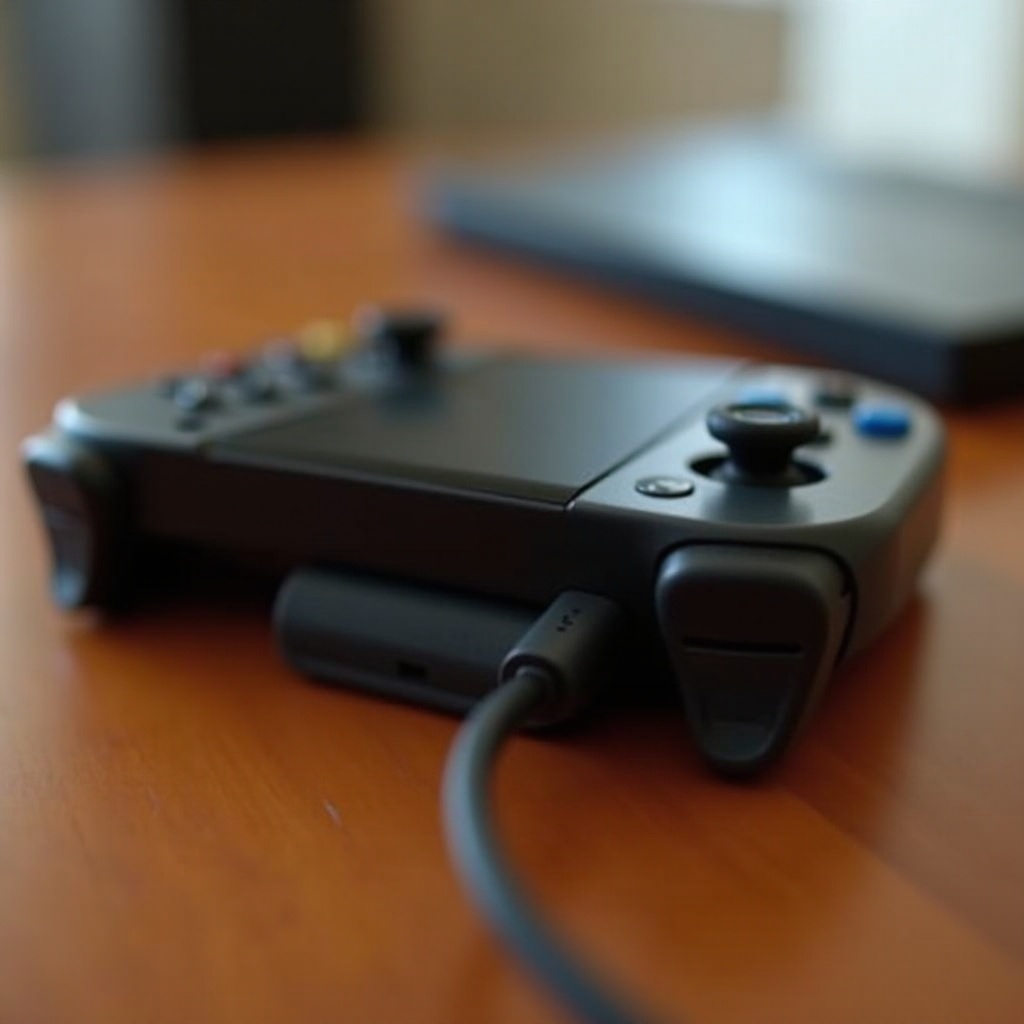
Understanding the Different Types of Switch Controllers
Nintendo Switch offers a variety of controllers, each with distinct characteristics and charging requirements.
Joy-Con Controllers
The Joy-Con controllers are incredibly versatile, functioning both in handheld mode attached to the console and wirelessly detached. Each Joy-Con is equipped with its own battery, necessitating independent charging when not connected to the console.
Nintendo Switch Pro Controller
The Nintendo Switch Pro Controller is favored for its traditional design and comfort during extended gameplay. Boasting impressive battery life, it can run for up to 40 hours on a single charge.
Third-Party Controllers
Many users also consider third-party controllers, often due to price or specific design needs. Charging methods and battery life can vary significantly for these devices compared to official Nintendo controllers.
Understanding these differences is crucial before diving into charging specifics, as each controller may require a unique approach for optimal charging.
Charging Basics for Switch Controllers
Knowing the charging fundamentals helps maintain controller life and ensure they are always ready for play.
Internal vs. Replaceable Batteries
Most Switch controllers are equipped with built-in lithium-ion batteries, meaning they do not allow for user replacement. This feature supports wireless gaming but highlights the importance of proper charging practices to sustain battery health.
Average Battery Life
Joy-Con controllers generally last for about 20 hours on a complete charge, whereas the Pro Controller can deliver up to 40 hours of game time. Battery performance can fluctuate, influenced by usage intensity and the controller’s age.
Usage Indicators
Joy-Con and Pro Controller both have LED indicators for user convenience. Blinking lights may suggest low power levels, while a steady light often indicates a full charge or connection status.
With charging basics understood, let’s proceed to practical charging methods.
How to Charge Your Nintendo Switch Controllers
Properly charging your controllers ensures they are always prepared for use without interruptions.
Charging with the Console
For the Joy-Con controllers, attach them to the console during downtime. When the console is docked, it charges the Joy-Cons directly.
Using a Charging Grip
A charging grip offers a more traditional controller feel while recharging the Joy-Cons simultaneously. This method is suitable for gamers looking to enjoy an uninterrupted experience with an enhanced grip.
Docking Stations and Docks
Charging stations serve as excellent options for energizing multiple controllers at once. Simply dock the Joy-Cons or Pro Controllers to power them up completely.
By employing these strategies, you reduce the chance of mid-game interruptions due to depleted batteries.
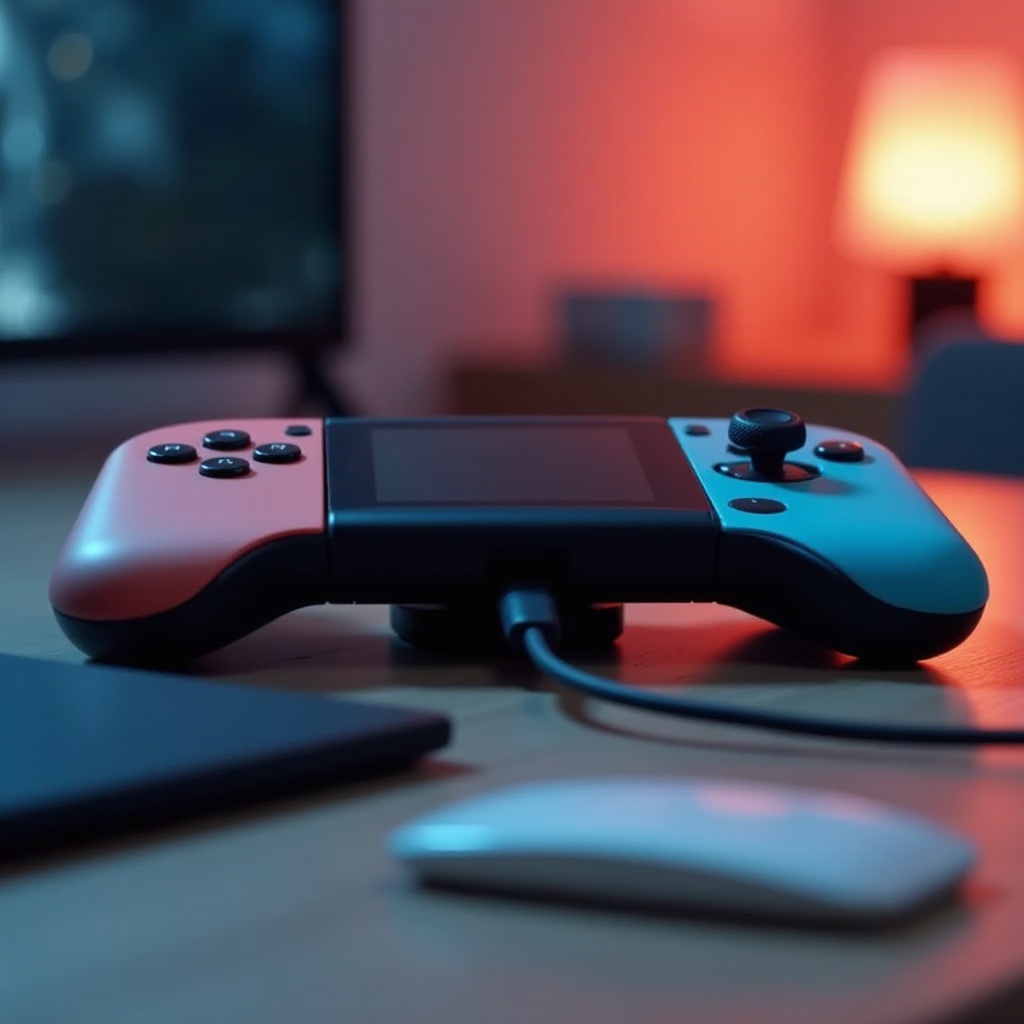
Tips for Extending Battery Life
Optimizing battery longevity involves mindful charging and regular maintenance.
Optimal Charging Practices
Avoid exhausting the battery before recharging. Aim to top off the charge after each gaming session to prevent strain and extend battery life.
Maintenance and Care
Regular cleaning and storage in a cool, dry place can prevent potential damage and support battery health.
Software Updates Impact
Stay current with software updates, as manufacturers often address battery efficiency issues, enhancing overall device performance.
By following these guidelines, you ensure peak performance and longevity for your Switch controllers. However, if issues arise, troubleshooting can remedy common charging troubles.
Troubleshooting Common Charging Issues
Addressing charging difficulties promptly helps maintain smoother gaming experiences.
Overcharging Concerns
Modern controllers include safeguards against overcharging. It is prudent to use original chargers for optimal safety and performance.
Using Third-Party Chargers
If third-party charging accessories cause problems, switch back to the original charger to test performance improvements.
Recognizing Error Messages
Unusual LED patterns or persistent connection failures should refer to the user manual or support forums for troubleshooting guidance. If issues persist, contacting customer service may be necessary.
Proactive maintenance can prevent many of these hurdles, ensuring seamless gameplay.
Conclusion
Charging Nintendo Switch controllers is essential, and understanding how to do it effectively enhances your gaming experience while preserving battery life. By recognizing different controller types, adopting efficient charging methods, and maintaining batteries carefully, you ensure your controllers stay ready for action whenever you need them.
Frequently Asked Questions
How long does it take to fully charge Switch controllers?
Joy-Con controllers typically require about three and a half hours for a full charge, whereas the Pro Controller takes approximately six hours.
Can I use my Switch controllers while charging?
Yes, you can use the Pro Controller while it’s charging with a USB-C cable. Joy-Cons can be used if attached to a charging grip or the console while docked.
What should I do if my controller isn’t holding a charge?
First, check the charging cable and port for functionality. If issues persist, contacting Nintendo support for potential repairs or replacements is recommended.