
Fixing Common Smart Speaker Problems: A Comprehensive Guide
Introduction
Smart speakers have fundamentally changed our interaction with technology at home. They streamline daily tasks, from playing music to managing smart home devices. However, technical glitches can interfere with their optimal operation. Fortunately, most issues can be resolved with straightforward troubleshooting steps, enabling you to make the most of your smart speaker.
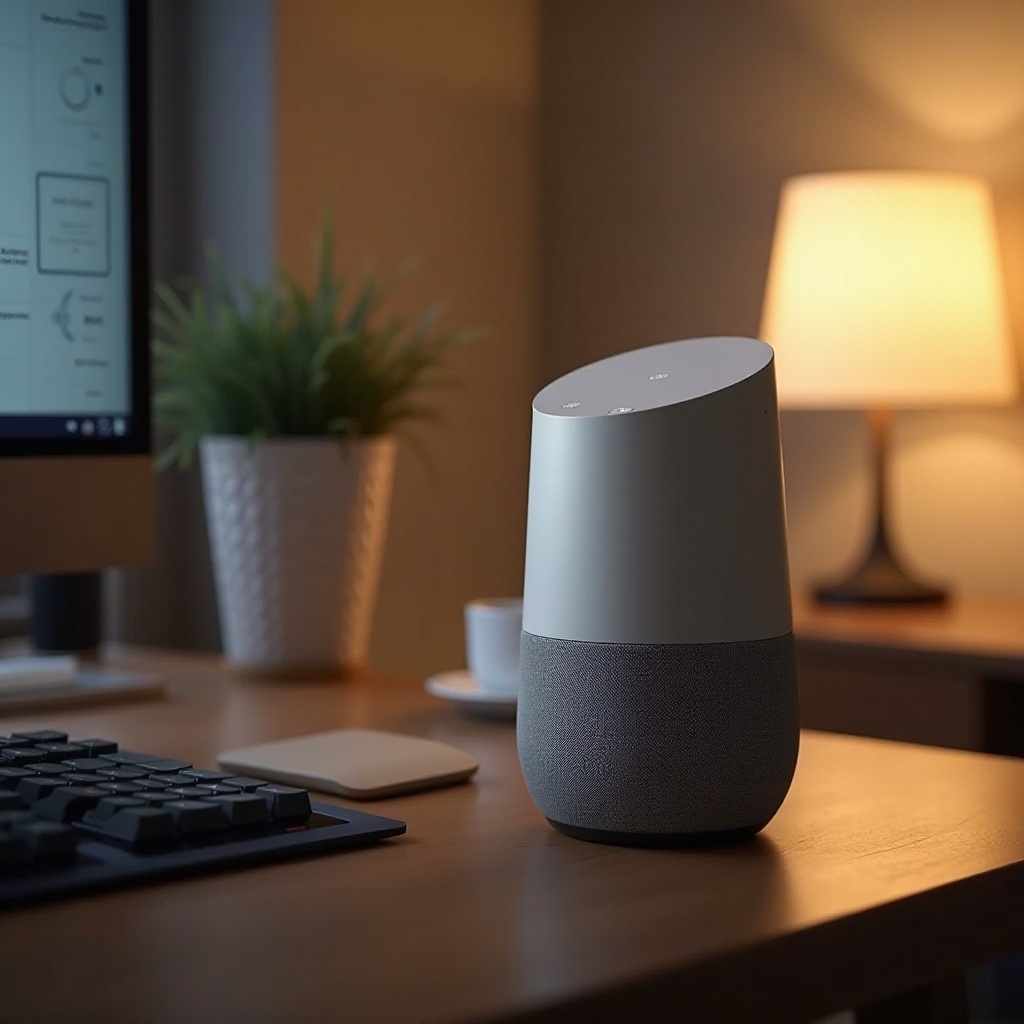
Troubleshooting Connectivity Issues
Connectivity hiccups are frequent culprits when smart speakers fail to perform as expected. Since these devices depend on stable Wi-Fi and Bluetooth connections, ensuring seamless connectivity is crucial. If you’re facing such issues, here are effective ways to fix them:
- Resolving Wi-Fi Connection Problems
- Verify your router’s functionality: Ensure that it is powered on and transmitting signals.
- Restart your router: A simple reboot often clarifies temporary connectivity disruptions.
- Position your speaker close to the router: Proximity can enhance signal strength.
-
Update firmware regularly: Outdated firmware might impede connectivity.
-
Overcoming Bluetooth Pairing Issues
- Restart devices: Power cycle both your smart speaker and the pairing device.
- Recheck Bluetooth settings: Ensure Bluetooth is enabled and that your device is discoverable.
- Forget and re-pair devices: Remove existing device pairing and reconnect.
Once connectivity is optimized, smart speakers can execute voice commands more efficiently. Let’s explore how to fine-tune their interaction abilities.
Enhancing Voice Command Recognition
Accurate voice recognition is vital for smart speakers to serve their purpose effectively. Here are strategies to improve their responsiveness:
- Improving Accuracy in Voice Recognition
- Use clear, direct language: Ensure commands are articulate.
-
Pronounce words with care: This aids in reducing misinterpretations.
-
Adjusting Microphone Sensitivity
- Optimal placement: Place the speaker in open areas, avoiding obstructions.
- Customize settings: Adjust sensitivity via the speaker’s app, if available.
Improving voice interactions elevates the user experience. The next step in optimizing your smart speaker is to ensure superior audio quality.
Improving Audio Quality
High-quality sound is essential for enjoying the full spectrum of your smart speaker’s capabilities, from music to podcasts. Resolve any sound issues with these suggestions:
- Fixing Muffled or Distorted Sound
- Check positioning: Ensure your speaker isn’t obstructed on any side.
-
Restart the device: Often, a simple reset rectifies transient sound issues.
-
Optimizing Audio Performance
- Adjust equalizer settings: Use app-based controls to tweak audio quality.
- Keep firmware updated: Regular updates can enhance audio functionalities.
With audio settings fine-tuned, it’s essential to address software to ensure flawless functionality.
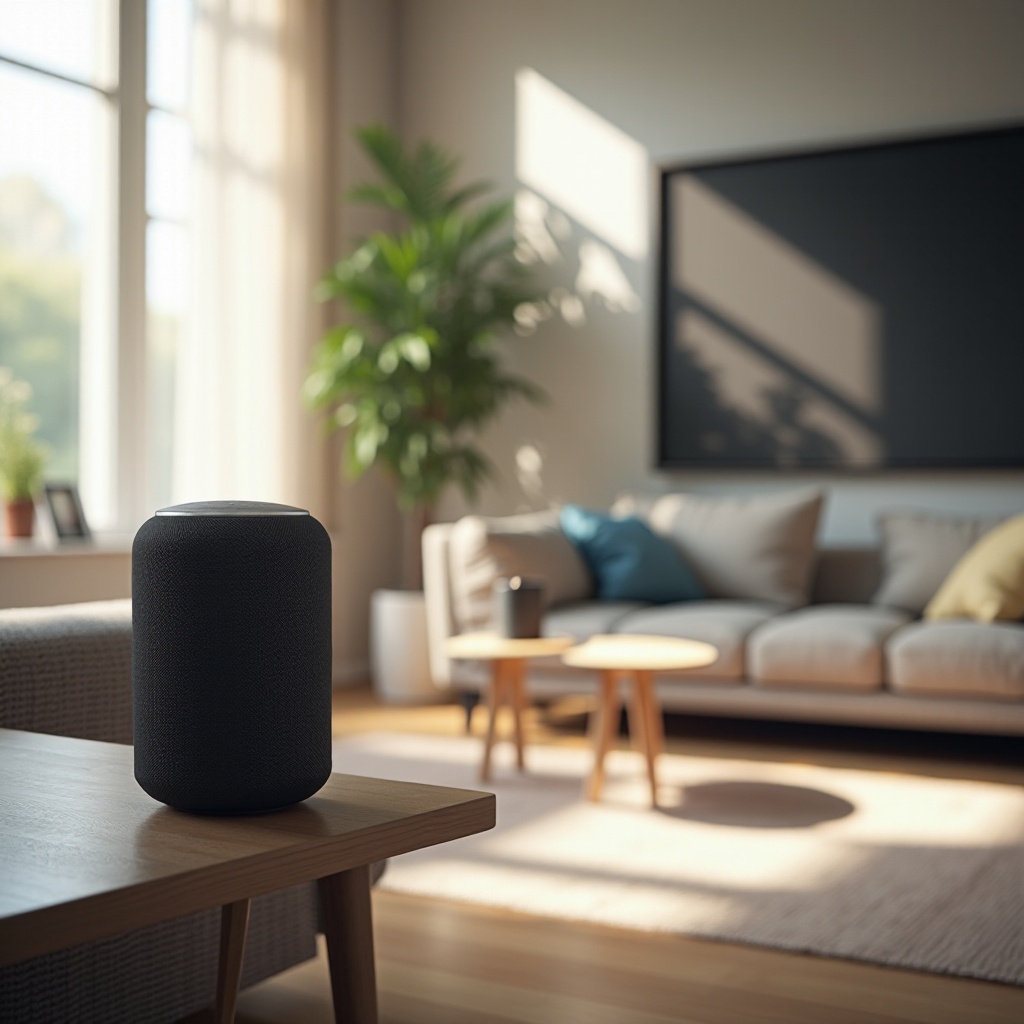
Addressing Firmware and Software Glitches
Keeping your smart speaker updated with the latest software is key to avoiding and solving technical glitches. Here’s how to manage software effectively:
- Importance of Keeping Software Updated
- Regular update checks: Manufacturers release updates to enhance features and fix bugs.
-
Enable auto-updates: This helps in streamlining the process of keeping your device current.
-
Performing a Factory Reset
- Backup vital settings: Document any custom configurations you wish to retain.
- Refer to manufacturer guidelines: Follow specific instructions to perform a factory reset.
Once software is up-to-date, safeguarding privacy and ensuring security is a logical next step.
Managing Privacy and Security Concerns
As smart speakers have access to personal data, maintaining privacy and security is paramount. Implement these strategies for better protection:
- Revisiting Privacy Settings on Smart Speakers
- Review data collection settings: Adjust how and what data is stored.
-
Limit unnecessary features: Disable seldom-used functions that capture data.
-
Safeguarding Personal Information
- Utilize secure networks: Ensure your Wi-Fi utilizes robust passwords and encryption.
- Frequently review app permissions: Restrict access controls on connected devices.
By addressing privacy considerations, you maintain control over personal information, enhancing trust and functionality.

Conclusion
By employing effective techniques to troubleshoot common smart speaker issues, you can significantly enrich your experience. From bolstering connectivity to securing your data, thoughtful maintenance ensures that your smart speaker continues to serve its purpose seamlessly. Regular check-ups and updates are vital to lever your speaker’s full potential. Enjoy a more immersive interactive interaction by keeping these strategies in practice.
Frequently Asked Questions
How can I reset my smart speaker if it’s unresponsive?
Perform a factory reset following the manufacturer’s instructions after backing up your settings.
What should I do if my smart speaker doesn’t recognize my voice?
Ensure the microphone is free of obstruction and adjust sensitivity settings if available.
How can I improve the sound quality of my smart speaker?
Tweak the equalizer settings in the device’s app and ensure proper device placement.