
The Ultimate Guide to Mechanical Keyboards with Touchpads — 2024 Edition
Introduction
Mechanical keyboards are cherished for their durability and the exceptional typing experience they offer. When integrated with touchpads, they combine the advantages of tactile feedback with the convenience of mouse-free navigation. This dual-functionality has become essential in modern computing, particularly benefiting users who require superior efficiency and ergonomic support. Let’s delve into the reasons why a mechanical keyboard with a touchpad can significantly enhance your workspace.
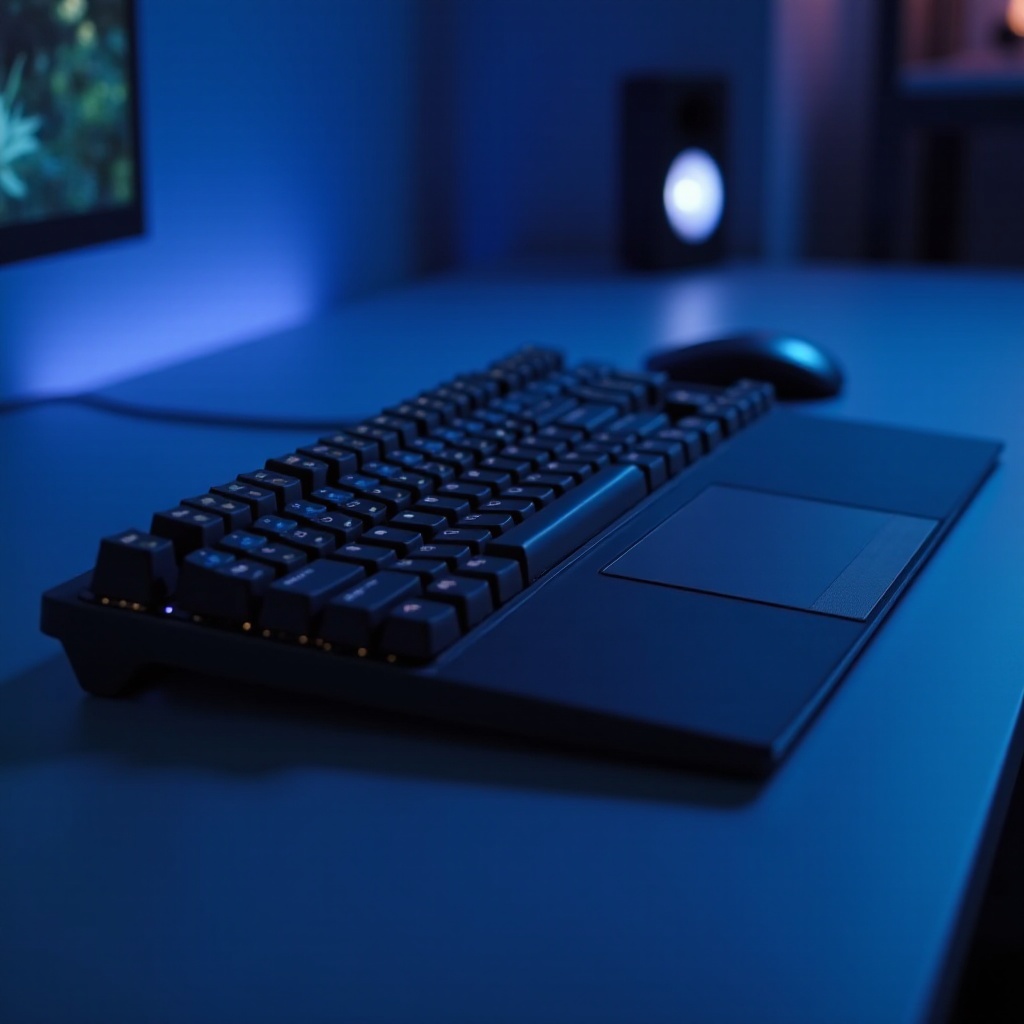
Why Choose a Mechanical Keyboard with Touchpad?
Mechanical keyboards are renowned for their robust build and longevity. They provide distinct tactile feedback with every keystroke, enhancing typing speed and accuracy. When you add a touchpad to the mix, the keyboard transforms into a multi-functional tool, suitable for various environments.
- Compact Design: The presence of an integrated touchpad means there’s no need for a separate mouse, effectively saving space on your desk.
- Enhanced Productivity: A seamless transition between typing and navigation improves workflow and efficiency.
- Ergonomic Benefits: Reduced hand movement lowers the risk of repetitive strain injuries, making these keyboards perfect for extended use.
- Convenience in Small Workspaces: Ideal for compact setups, including mobile and smaller workspace environments.
With these benefits in mind, mechanical keyboards with touchpads offer unmatched versatility and embody a modern solution that meets diverse user needs.
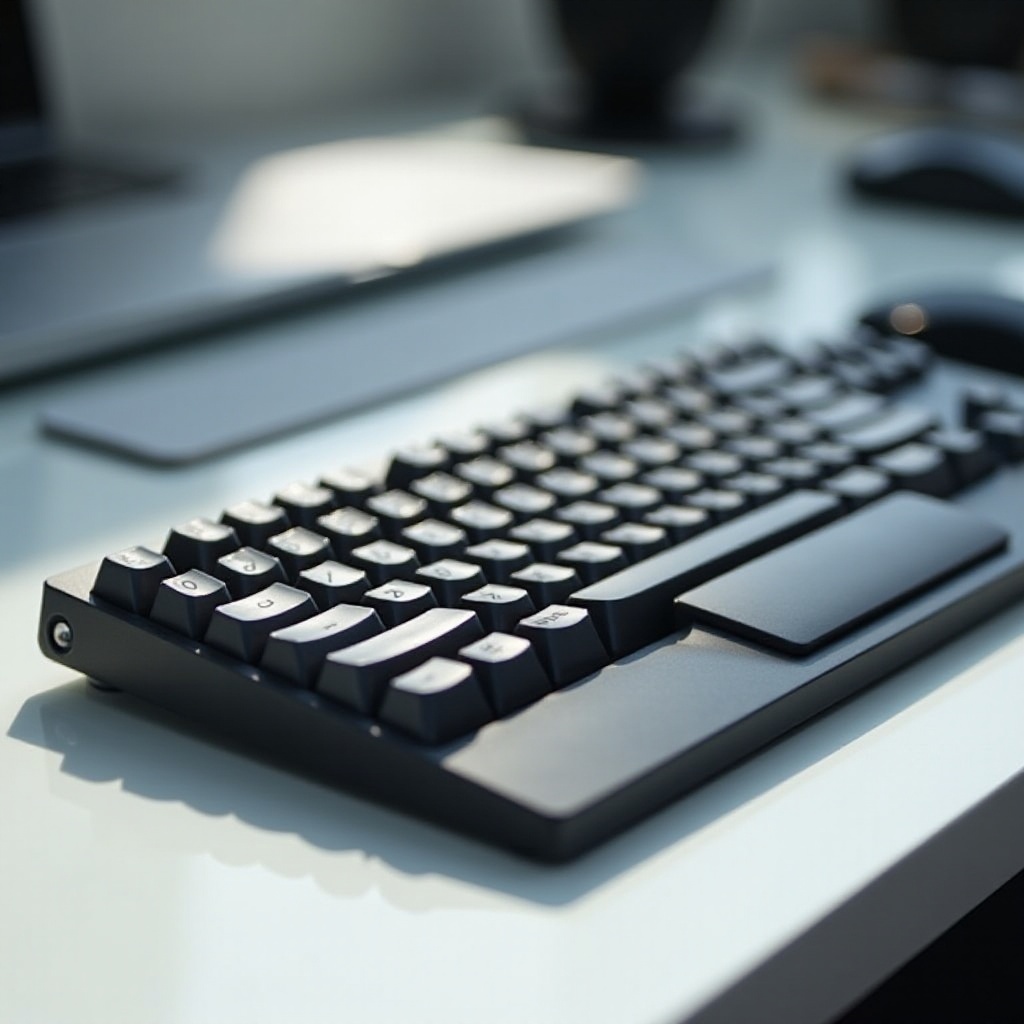
Key Features of Mechanical Keyboards with Touchpads
Understanding key features can help tailor your choice to suit specific needs. Let us explore what you should look for in these keyboards.
- Mechanical Switches: Options like Cherry MX, Razer, or Gateron each offer unique tactile feel and sound feedback.
- Cherry MX Red: Requires light actuation force, making them perfect for fast gaming.
- Cherry MX Brown: Provides a balance with tactile feedback suitable for professional typing.
-
Cherry MX Blue: Delivers maximum tactile feedback with an audible click, great for extensive typing.
-
Touchpad Sensitivity: A touchpad with customizable sensitivity settings is crucial for precision and control. Multi-touch gestures enhance the user experience.
- Build Quality: High build quality often translates to greater durability and performance longevity. Consider models with spill-resistant features to protect against accidents.
- Connectivity Options: Whether you prefer wired, wireless, or Bluetooth, choose a model that fits your mobility needs. Wireless options often aid in decluttering your desk.
- Backlighting and Customization: RGB backlighting isn’t just about aesthetics; it allows for better visibility in different lighting conditions. Programmable keys can optimize your work setup.
The full range of features ensures mechanical keyboards with touchpads are tailored to a wide array of user requirements, making them indispensable in a modern workspace.
Top Models of 2024
Equipped with knowledge of key features, let’s review some top models of 2024. Selected for their innovative features and customer praise, these models stand out.
- Logitech Craft with Integrated Touchpad:
- Distinguished by a robust design, premium key switches, and exceptional tactile feedback. Its touchpad is seamlessly integrated, offering fluid cursor navigation.
- Razer Pro Type with Inbuilt Touchpad:
- Boasts quiet proprietary switches and a sleek white design with a highly sensitive touchpad, offering both functionality and aesthetic appeal.
- Corsair K83 Wireless Keyboard:
- Provides options for wired and wireless connectivity, fitting varied setup needs. It combines mechanical keys with a multitouch-enabled touchpad to enhance multitasking capabilities.
Choosing the right model from these options can drastically improve your efficiency and desk organization, whether you need Logitech’s technological prowess, Razer’s silent performance, or Corsair’s versatile connectivity.
Choosing the Right Keyboard for Your Needs
While enticing features are important, selecting the appropriate keyboard and touchpad combination depends heavily on personal requirements. Consider the following:
- Usage Type: Gamers might benefit from models with fast actuation, while avid typists could prefer substantial tactile feedback. Office users may value all-around connectivity.
- Device Compatibility: Ensure your keyboard supports your operating system, whether it’s Windows, macOS, or Linux, as these may have different driver needs.
- Customization and Software Support: Look for software that enables extensive customization of keys, lighting, and touchpad sensitivity to tailor your experience.
- Price Point: Though premium models offer numerous features, many budget options also provide significant value. Weigh required features against cost for prudent purchasing.
Evaluating these considerations helps make an informed decision, aligning your purchase with your day-to-day computing activities.
Maintenance and Care Tips
To extend your keyboard’s lifespan, regular maintenance is crucial. Here are essential tips for optimal upkeep:
- Cleaning: Use compressed air to clear dust between keys. Lightly dampened microfiber cloths work well for cleaning both the touchpad and keyboard surface.
- Avoid Spills: Ensure liquids are kept away from the device; if a spill occurs, immediately disconnect and clean thoroughly before use.
- Regular Software Updates: Keep your device’s firmware up-to-date to maintain performance and address any potential issues.
Proper maintenance not only enhances your device’s longevity but also preserves its performance, ensuring it remains an indispensable part of your computing setup.
Conclusion
Mechanical keyboards with touchpads stand at the intersection of traditional typing excellence and modern functional versatility. By combining enhanced ergonomics with space-saving design, these devices are crucial for improving productivity across various professional and personal use cases. With an understanding of the key features, top models, and maintenance techniques, you are well-prepared to choose a keyboard that maximizes comfort and efficiency in your workspace.
Frequently Asked Questions
What are the key benefits of a mechanical keyboard with a touchpad?
Mechanical keyboards with touchpads offer compactness, improved productivity, ergonomic benefits, and convenience in small spaces, making them versatile tools.
Are mechanical keyboards with touchpads suitable for gaming?
Yes, mechanical keyboards with touchpads are suitable for gaming, offering quick actuation and integrated touchpad features that enhance desk setup efficiency.
How do I maintain my mechanical keyboard with touchpad for longevity?
Maintain your keyboard by regular cleaning, avoiding spills, and performing software updates to keep it functional and extend its lifespan.