
What’s a Soundbar? The Ultimate Guide to Enhancing Your Audio Experience
Introduction
Soundbars are becoming an essential component of many home entertainment systems. These compact devices produce rich, high-quality audio that enhances movies, games, and music alike. If you are looking to upgrade your audio experience, a soundbar offers a straightforward setup and superior sound without the clutter of traditional speaker systems. This guide will explore what a soundbar is, the benefits it offers, and how to choose and set up the right one for your needs.
Understanding Soundbars
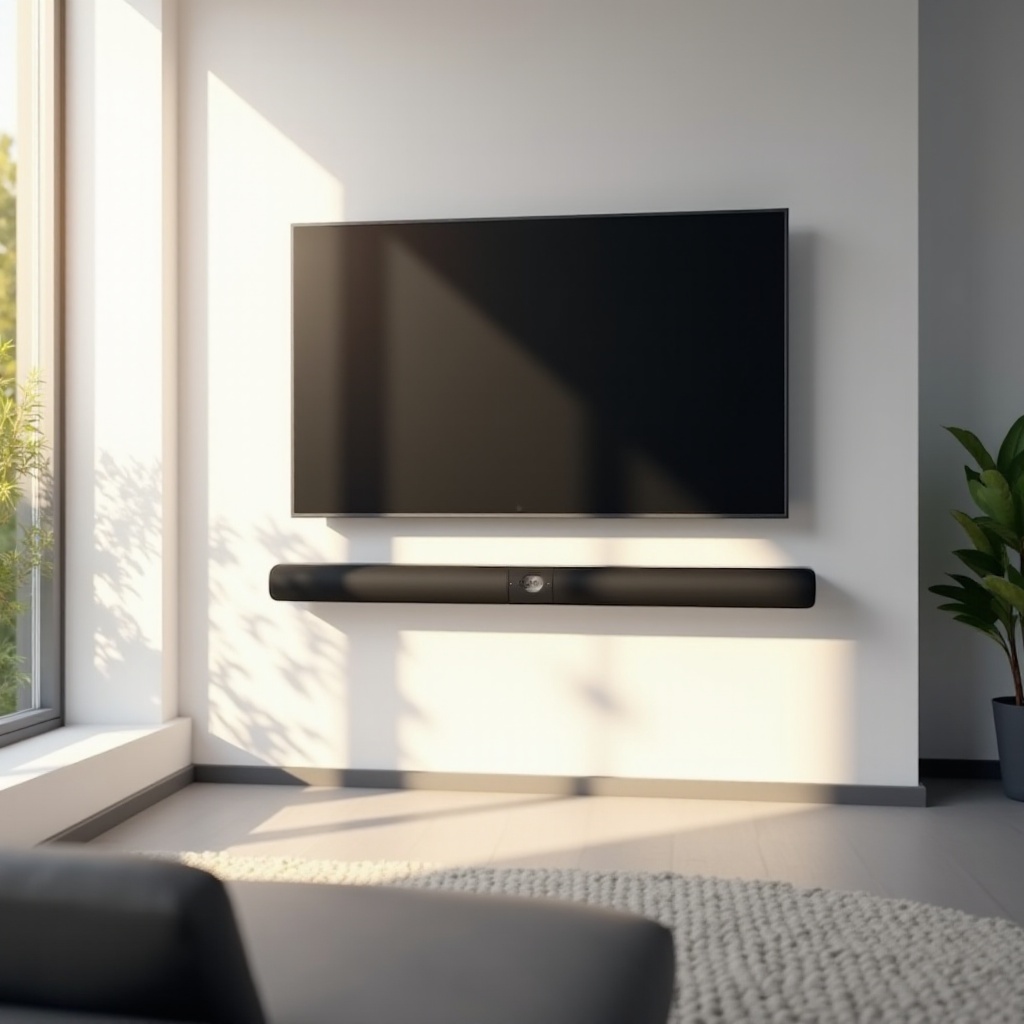
To fully appreciate soundbars, it’s crucial to understand their design and operation. A soundbar is a single, elongated speaker system combining multiple audio drivers into one compact unit, providing a surround sound experience.
-
What is a Soundbar?
A soundbar is an all-in-one speaker system enhancing your TV’s audio quality. Unlike traditional speakers, which require multiple units, a soundbar simplifies setup and space requirements. -
How Soundbars Work
Soundbars use several built-in speakers to create immersive sound. They often simulate surround sound effects and may include a separate subwoofer for bass enhancement. -
Benefits of Using a Soundbar
Soundbars provide high-quality audio while saving space. They are easy to install, offer modern connectivity options, and enhance sound clarity over standard TV speakers.
Understanding the fundamental aspects of soundbars gives you a good base. Next, it’s essential to comprehend the range of soundbars available to choose the perfect fit.
Different Types of Soundbars
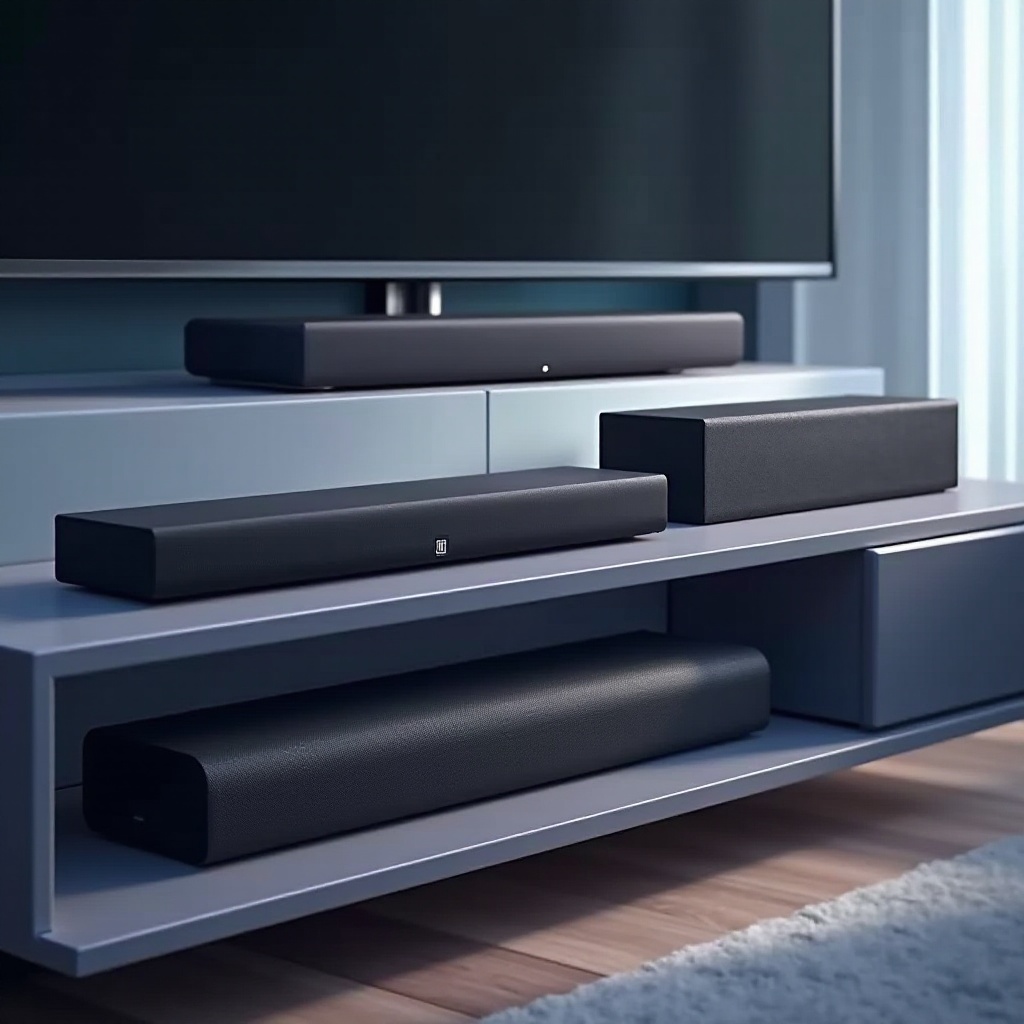
The market offers varied soundbar options, each catering to specific needs and preferences.
-
Single Soundbars
These are independent units designed to deliver high-quality audio for smaller spaces. They are perfect for minimal setups without additional subwoofers. -
Soundbars with Subwoofers
These include a separate subwoofer, ideal for those who desire enhanced bass for movies and music. They provide a fuller, richer sound experience in larger rooms. -
Surround Sound Soundbars
Equipped to mimic a full surround sound system, these soundbars may come with additional wireless speakers, offering an in-depth audio journey.
Knowing the types of soundbars helps in narrowing your options. Once you’ve identified a suitable type, consider the features that match your audio needs.
Key Features to Consider
When choosing a soundbar, evaluate these key features to ensure it meets your audio expectations.
-
Audio Quality
Look for soundbars with excellent frequency response and sound modes that cater to different types of media for optimal audio quality. -
Connectivity Options
Ensure your soundbar has versatile connectivity options, such as HDMI ARC, Bluetooth, and optical inputs, to accommodate all your devices. -
Smart Features and Compatibility
Some soundbars offer smart features like voice control. Check for compatibility with your smart home ecosystem, such as Amazon Alexa or Google Assistant.
These features help determine the functional aspects of the soundbar. After selecting a unit, installing it correctly is crucial to experience its full potential.
Setting Up Your Soundbar
Proper setup is key to getting the most out of your soundbar. Here’s how you can set it up efficiently:
-
Placement and Positioning Tips
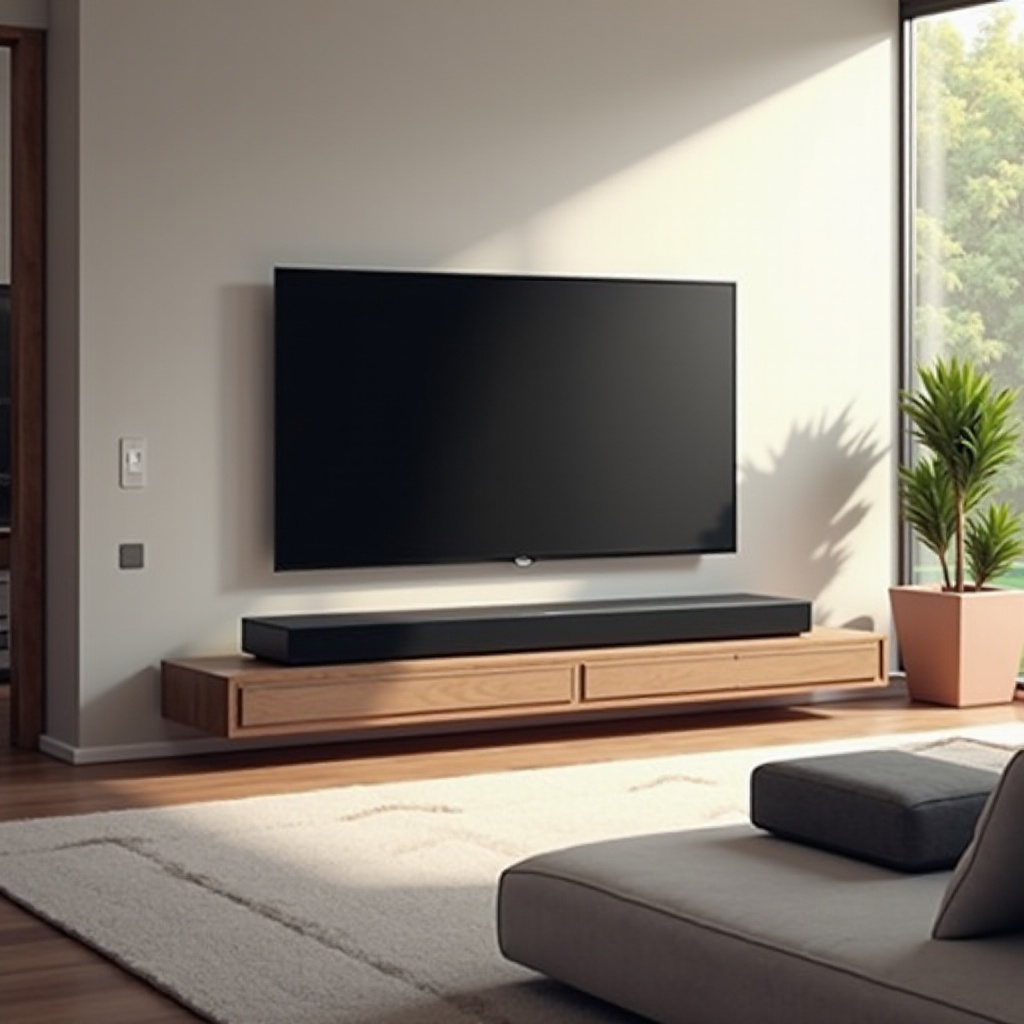
Place your soundbar on a stable surface below your TV for optimal sound projection. Wall mounting is also an option if space is an issue. -
Connecting to Your TV
Use the provided HDMI or optical cables to connect your soundbar to your TV. Follow the manufacturer’s guide for specific setup instructions.
Setting up the soundbar correctly is easy and can greatly impact your listening experience. Let’s consider how soundbars compare to traditional speaker systems.
Soundbar vs. Traditional Speaker Systems
Understanding the difference between soundbars and traditional speakers is crucial to making the right choice for your audio setup.
-
Comparison of Sound Quality
While traditional speakers may offer more depth, soundbars are quickly closing the gap with modern technology, offering great sound quality for their size. -
Installation and Aesthetic Considerations
Soundbars are sleek and compact, requiring less space and setup compared to conventional multiple-speaker setups. -
Cost Effectiveness
Soundbars are generally more affordable, providing excellent value by delivering high-quality sound without the need for multiple components.
Choosing between a soundbar and traditional speakers depends on your space, budget, and audio preferences. Maintenance of your soundbar is the next step for long-lasting performance.
Maintenance and Troubleshooting
To enjoy seamless audio, soundbars require regular maintenance:
-
Tips for Longevity
Keep your soundbar clean and dust-free. Ensure regular software updates to maintain performance and functionality. -
Common Issues and Solutions
If you face audio issues, verify all connections and settings. Refer to the user manual for troubleshooting guidance or contact support for persistent problems.
Regular maintenance ensures your soundbar delivers optimal sound for years. With all this knowledge, let’s wrap up the key takeaways.
Conclusion
Soundbars have revolutionized home audio setups by offering a perfect mix of simplicity, style, and outstanding sound quality. From identifying the right type and features to proper installation, this guide walks you through enhancing your audio experience with a soundbar. Whether watching movies or streaming music, soundbars deliver significant improvements in sound quality, making them an excellent addition to any home entertainment system.
Frequently Asked Questions
Can a soundbar replace my traditional surround sound system?
While soundbars offer a good alternative, they may not fully replicate the depth of a traditional surround system, especially in larger spaces.
How do I choose the right size soundbar for my TV?
Select a soundbar roughly the same width as your TV for balanced audio coverage and aesthetic appeal.
Are soundbars compatible with all TVs?
Most modern soundbars offer multiple connectivity options, making them compatible with a wide range of TV models. Always check the specific connections supported by your TV.