
Soundbar with Subwoofer LG: The Complete 2024 Buyer’s Guide
Introduction
Who this guide is for
If your TV sounds thin and action scenes lack weight, a soundbar with a dedicated subwoofer is the fastest way to add punch and clarity. This guide serves shoppers who want a clear path through LG’s 2024 soundbar range and anyone weighing a home theater upgrade for movies, gaming, and music. You might own an LG OLED or QNED. You might use another brand of TV. Either way, you want clean setup, real bass, dependable features, and simple daily control. You also want practical advice on placement, calibration, and the settings that raise performance without complexity.
What soundbar with subwoofer means in LG’s lineup
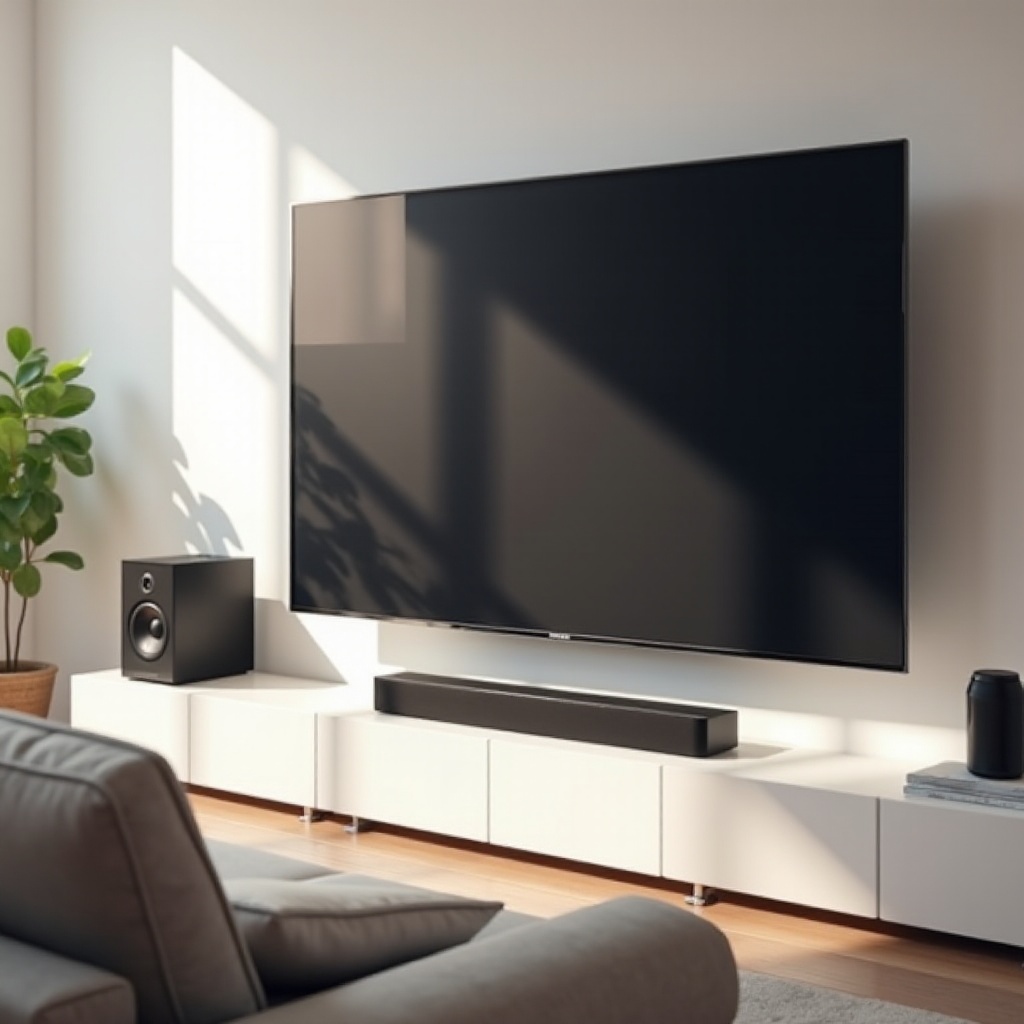
In LG’s lineup, a soundbar with subwoofer means the bar ships with a wireless powered sub. The bar covers mids and highs. The sub adds low frequencies that TV speakers cannot touch. Many 2024 LG bars offer height and surround virtualization, and some include upfiring drivers for Dolby Atmos with optional wireless rear speakers. You plug in power at the bar and sub. They link wirelessly within seconds. Then one HDMI cable connects the bar to the TV. That simplicity is the appeal and a key reason so many buyers pick LG for living rooms and media spaces.
As you consider whether LG fits your space and budget, it helps to understand what sets LG’s approach apart from other brands. The next section explains why many shoppers choose an LG soundbar and sub combo.
Why Choose an LG Soundbar with Subwoofer?
Performance-to-price advantages
LG packs strong processing, straightforward controls, and capable subwoofers at each price tier. Even mid range 3.1 and 5.1 bars deliver clear dialog and tight bass that make TV speakers sound small by comparison. At the top of the range, LG’s premium bars create convincing immersion with solid height and width, often at a lower price than boutique rivals. You also see frequent promotions and TV plus soundbar bundles that reduce the total upgrade cost.
Tuned for LG TVs and webOS
Pair an LG soundbar with an LG TV to unlock extras. HDMI eARC lets the TV send high quality audio to the bar. CEC volume control keeps one remote in your hand. WOW Orchestra and WOW Interface deepen the connection on supported 2024 LG TVs. Orchestra coordinates TV speakers with the bar for a larger stage and more stable vocals. Interface puts soundbar controls inside the TV’s on screen sound menu so you adjust modes and levels without juggling remotes.
Simple setup and sleek industrial design
LG keeps the design slim so the bar fits under most TVs without blocking the screen or IR sensor. The subwoofer is compact enough for a corner or along the front wall. Wireless pairing happens fast, and the LG Sound Bar app guides firmware updates, calibration, and mode selection. You spend less time tinkering and more time enjoying movie nights and playlists.
These benefits matter, but performance depends on technology under the hood. Next, learn the features that drive better sound in 2024 and how to match them to your room.
Key Technologies That Matter for ‘soundbar with subwoofer lg’ buyers
Dolby Atmos and DTS:X: virtual vs true upfiring speakers
Atmos and DTS:X add a sense of height. Some LG bars use true upfiring drivers that bounce sound off the ceiling. Others simulate height using processing. True upfiring drivers usually deliver a more convincing bubble of sound, especially with a flat, 8 to 10 foot ceiling and a reflective surface. Virtual height can still widen and lift audio, and it works best in small to medium rooms with a centered seating position. If you sit off axis or have a vaulted ceiling, rear speakers and careful placement help more than virtual height alone.
WOW Orchestra, WOW Interface, and AI Room Calibration
WOW Orchestra lets compatible LG TVs and soundbars play together. The bar handles front channels and bass; the TV fills gaps and stabilizes dialog. WOW Interface puts soundbar controls in the TV’s sound menu so you make quick changes without the app. AI Room Calibration measures your space and adjusts output to tame boomy corners and improve clarity. Auto calibration delivers noticeable improvement in most rooms. Enthusiasts can still fine tune levels and EQ to taste.
HDMI eARC, 4K 120Hz pass through, VRR and ALLM for gaming
HDMI eARC ensures the TV can send high bitrate audio, including lossless Dolby TrueHD Atmos, back to the bar. Some 2024 LG bars include HDMI 2.1 inputs with 4K 120Hz pass through, Variable Refresh Rate, and Auto Low Latency Mode. If you game on PS5 or Xbox Series X, confirm these specs. If a bar lacks 4K 120 pass through, connect the console directly to the TV and return audio to the bar via eARC so video features remain intact.
Wireless audio: Bluetooth, Chromecast, AirPlay, Spotify Connect
Bluetooth is universal for quick pairing. Higher end LG models often add Chromecast built in and Apple AirPlay for high quality multi room streaming from Android and iOS. Spotify Connect lets you control playback from the Spotify app while the bar streams directly from the internet. Pick the protocol that matches your devices and habits. You can always fall back to Bluetooth for guests or fast handoffs.
With core tech in mind, you can choose a channel count and package that matches your room size and habits. The next section explains how LG groups its bars by capability and what those numbers mean.
LG Soundbar + Subwoofer Lineup and Channel Configurations
Flagship 9.x.x and 11.x.x packages for full immersion
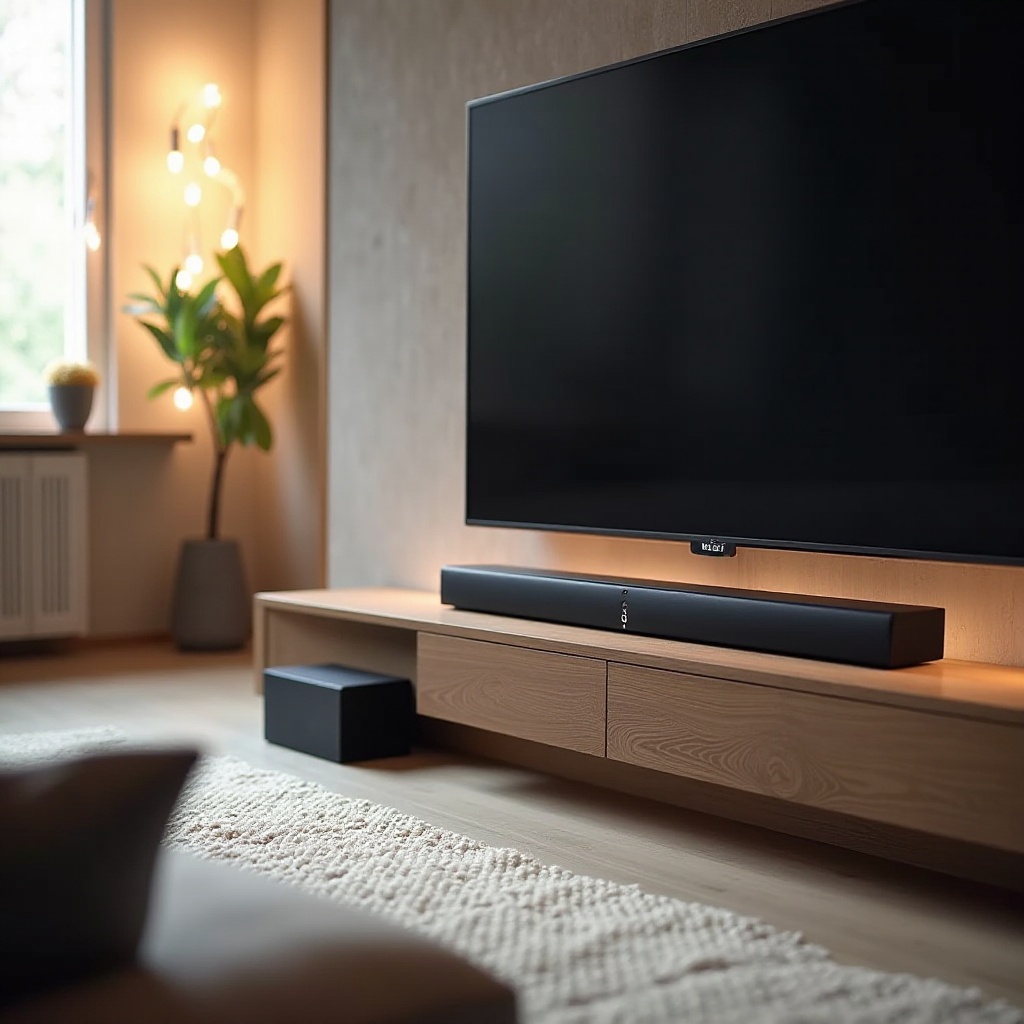
LG’s 2024 flagships pair a powerful sub with the bar and include or support wireless rear speakers, often with upfiring height drivers at the back. You hear a wide LCR front stage, discrete surrounds, and substantial height coverage for Atmos and DTS:X. These systems suit large rooms and cinematic listening, with strong headroom and bass. If you want the most convincing overhead flyovers and wraparound effects, this tier delivers.
Upper mid range 5.x.x bars for living rooms and larger TVs
A 5.1.2 style bar delivers front left center right, side or virtual surrounds, and one or two height channels. The included sub adds impact for movies and games. You get a robust center channel for clear dialog and a big, stable soundstage without installing rear speakers. Many buyers find this level the best blend of immersion, price, and simplicity.
Mid range 3.x.x bars for balanced movie and music performance
A 3.1 or 3.1.2 bar puts emphasis on a strong center channel and tight bass. It is a big step up from TV speakers and a great fit for news, sports, and streaming series. You may get virtual surround and height effects that widen the stage without physical rears. These bars suit apartments and medium rooms well.
Budget 2.1 systems for simple, space saving upgrades
A 2.1 bar with a subwoofer boosts clarity and bass with minimal setup. You still gain big improvements in dialog and effects, plus Bluetooth for easy music streaming. If space and budget are tight, this tier gives you the fastest, cleanest upgrade.
Once you pick a channel count, the sub becomes the engine of impact. Understanding how the sub works and where to place it prevents boomy bass and balances the system.
Subwoofer Deep Dive: What to Expect
Driver size, enclosure type, and tuning philosophy
LG subs typically use front firing drivers in tuned ported enclosures to maximize output from compact cabinets. Larger drivers and boxes can move more air for deeper bass, but smart tuning matters just as much. The best blends disappear into the soundstage, supplying punch without muddying voices or masking details.
Optimal placement for tighter, deeper bass
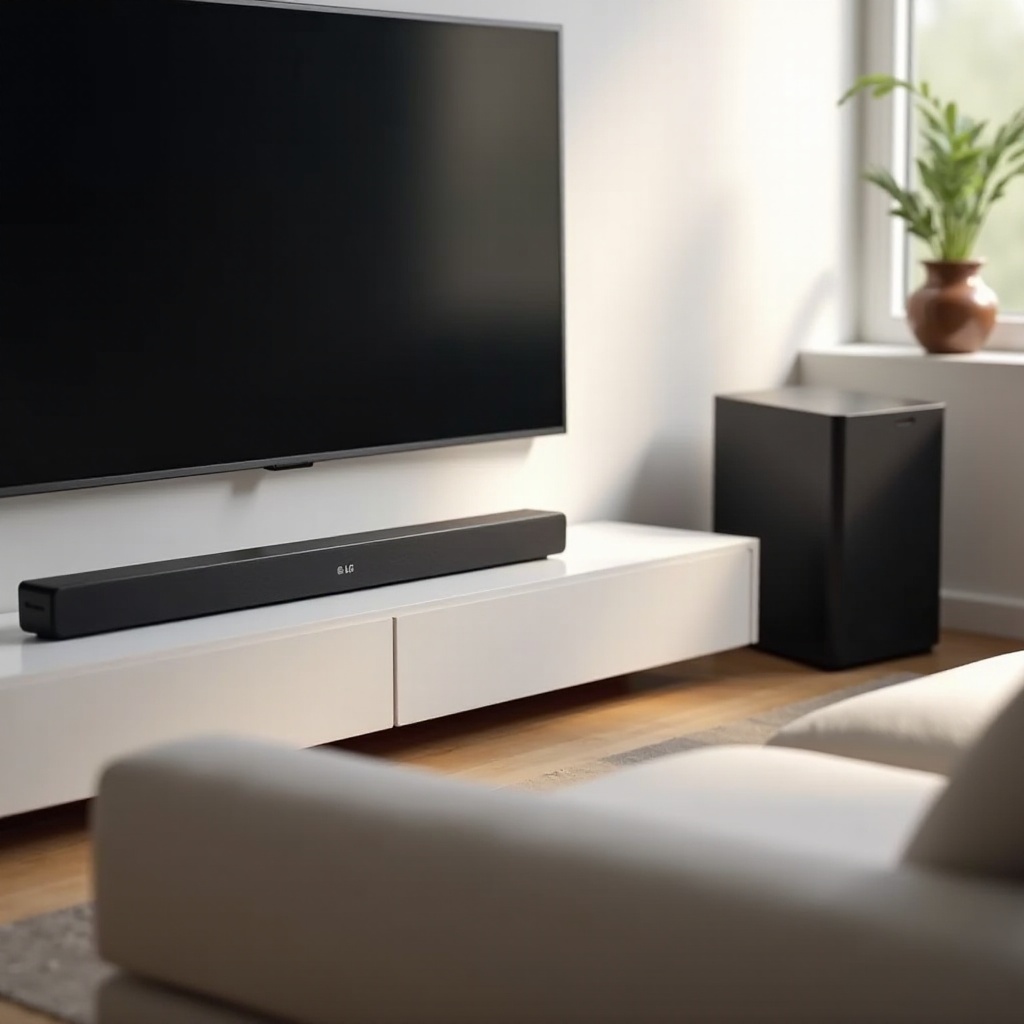
Start with the sub near the front stage, slightly off center from the bar. Avoid pushing it into a corner unless you need extra output. Corners boost bass but can amplify resonances. If bass feels thin, inch the sub closer to a wall. If it feels bloated, pull it out a few inches. Run AI Room Calibration after each move. A small rug near the sub can reduce floor reflections on hard surfaces and smooth peaks.
Wireless pairing stability and interference tips
Keep the sub in the same room and within line of sight when possible. Avoid placing routers, cordless phone bases, or baby monitors right beside the bar or sub. If you hear dropouts, move the sub a few feet, rotate it slightly, or change your router’s 5 GHz channel. Firmware updates often improve stability, so check the LG app after installation.
With a solid bass foundation, setup and calibration complete the puzzle. Simple steps and a few smart adjustments can unlock performance your room would otherwise hide.
Setup, Calibration, and Room Integration
First time pairing, app control, and firmware updates
1) Center the bar under the TV and connect the TV’s eARC port to the bar’s eARC port using a certified HDMI cable.
2) Plug in the sub and wait for the pairing light to confirm a link.
3) Power on the TV and bar; enable CEC and eARC in the TV’s sound settings.
4) Install the LG Sound Bar app to name inputs, check firmware, and adjust modes.
5) Update firmware before calibration to ensure the latest fixes and features.
Auto calibration vs manual EQ and level matching
Run AI Room Calibration and listen for smoother bass and clearer dialog. Then fine tune. Raise or lower the sub level until kick drums sound tight and explosions do not mask voices. Increase the center channel if speech sits too low in the mix; reduce it if voices sound shouty. If your model offers EQ, make small changes of one or two dB and recheck with familiar scenes. Write down your baseline settings so you can return to them later.
Night mode, dialog enhancement, and dynamic range management
Night mode compresses peaks so action scenes will not wake the house. Dialog enhancement lifts midrange clarity for talk heavy content. Dynamic range controls help balance loud and quiet moments at lower volumes. Save presets for Movies, Games, and Late Night so you can switch fast.
When the bar and sub are calibrated, connect your sources for the cleanest video path and best audio formats. The next section explains how to wire TVs and consoles without breaking key features.
Best Pairings with LG TVs and Consoles
Leveraging WOW Orchestra with compatible LG OLED and QNED TVs
On supported 2024 LG TVs, enable WOW Orchestra to combine the TV speakers with the soundbar. The TV can act as a height fill or center support, stabilizing dialog and expanding the stage. You will find the toggle in the TV’s sound menu. Try it both ways and pick the option that sounds clearest from your main seat.
eARC for lossless Atmos from streaming devices and discs
Use HDMI eARC to carry high bitrate audio from the TV to the bar. For streaming apps on the TV, set digital audio to Pass Through and enable Atmos in each app when available. For a 4K Blu ray player or external streamer, connect it to a TV HDMI 2.1 port for video and let eARC return audio to the bar. This preserves 4K 120Hz and gaming features while you get full quality audio.
PS5 and Xbox optimization: 120Hz pass through and lip sync fixes
If your soundbar supports 4K 120Hz pass through, connect the console to the bar’s HDMI input and the bar to the TV. Enable ALLM and VRR on both devices. If the bar does not support 120Hz pass through, connect the console directly to the TV and rely on eARC for audio. If you notice lip sync drift, adjust audio delay in the TV’s sound settings by 10 to 20 ms until voices lock to lips. Some consoles also offer audio delay; match both sides if needed.
Now that sources are set, align your choice with how you watch and where you sit. The next section maps real world use cases to the right tier of LG soundbar.
Use Cases and Tiered Recommendations
Movies and streaming in open plan living spaces
Choose a 5.1.2 or higher LG bar with a robust sub and, if possible, rear speakers. Large rooms need more drivers and power to maintain clarity and headroom. Prioritize true upfiring height channels for stronger Atmos effects. Place the sub along the front wall, slightly off center, and run AI Room Calibration to smooth bass across multiple seats. If your room opens to a kitchen or hallway, rear speakers help restore envelopment lost to open boundaries.
Music first listeners and stereo fidelity priorities
Pick a 3.1 or 5.1 LG bar with a musical tuning and precise center imaging. Use Music or Standard mode rather than aggressive surround expansion; keep the sub level moderate to protect midrange detail. Stream via Chromecast, AirPlay, or Spotify Connect for stable quality. If the room has hard surfaces, add a rug or curtains to tame glare and improve stereo imaging. Small acoustic tweaks here often outperform EQ.
Apartments, small rooms, and neighbor friendly settings
A 2.1 or 3.1 LG soundbar fits small spaces and shared walls. Position the sub closer to the listening position at low volume for tactile bass without cranking output. Use Night mode and a slightly reduced sub level after evening hours. Mount the bar to raise drivers toward ear height; this improves clarity at lower volumes without extra power.
With your use case in mind, confirm that your chosen bar supports the ports and formats you need today and tomorrow. That prevents frustration as your system grows.
Connectivity and Format Support Checklist
Ports you need now and later: HDMI, optical, and USB
Aim for HDMI eARC on the bar for top tier audio return. One or two HDMI inputs add flexibility for consoles and streamers if your TV lacks ports. Optical remains useful for legacy TVs and projectors, though it limits formats to compressed surround. A USB port can enable local playback or service updates. If you expect more devices over time, plan to connect most sources to the TV and rely on eARC for audio.
Format must haves for streaming apps and Blu ray
Look for Dolby Atmos and DTS:X decoding or passthrough, plus support for Dolby Digital Plus, AAC, and LPCM. If you play 4K Blu ray discs, confirm TrueHD Atmos passthrough via eARC. Gamers should confirm multichannel PCM support for clean, lag free audio and check whether the bar handles 120Hz video without cutting features.
Voice assistants and multi room audio compatibility
Many LG bars work with Google Assistant via Chromecast and with Apple AirPlay for Siri control. Spotify Connect integrates directly with the Spotify app. If you want whole home audio, confirm that your bar can join multi room groups via Chromecast or AirPlay. Place the bar on wired Ethernet if available for added streaming stability.
With the checklist complete, consider value and timing. Strategic buying can save money and land the exact features you need.
Value, Pricing, and When to Upgrade
What you get at each price tier
- Budget 2.1: Big clarity and bass jump over TV speakers with the simplest setup. Ideal for bedrooms and first upgrades.
- Mid range 3.1 or 3.1.2: Strong center channel, better processing, clearer dialog, and more inputs. Great for living rooms.
- Upper mid 5.1.2: Wider stage, height effects, stronger sub, smarter features like WOW integration. Best value for immersion.
- Flagship 7.1.4 or 9.x.x: Discrete surrounds and upfiring rears with the highest impact and largest soundstage. Suited to big rooms.
Seasonal sales, bundles, and TV soundbar pairing strategies
LG often runs promotions around spring TV launches, summer sales, and late year holidays. Look for TV plus soundbar bundles that combine savings with shared features like WOW Orchestra. If your TV upgrade is due, pair it with a compatible LG soundbar to unlock integration and simplify control. Consider retailer gift card offers and open box deals from trusted stores to stretch your budget.
Signs your current setup needs replacing
If dialog stays muddy after calibration, or your bar lacks eARC and modern formats, an upgrade will help. If you moved to a larger room and the bar strains at moderate volumes, step up a tier for more drivers and power. If you game at 120Hz and the bar breaks video features, re route devices or choose a model with 4K 120 pass through.
You now have a roadmap to evaluate features, match them to your room, and buy at the right time. The final section pulls the pieces together so you can act with confidence.
Conclusion
An LG soundbar with subwoofer offers an immediate, reliable path to better sound without the clutter of a traditional receiver and speakers. Start by matching your room and habits to a channel count and feature set. Confirm HDMI eARC, your preferred wireless streaming, and whether you need true upfiring height channels. Place and calibrate the sub for clean, even bass. Then set dialog and night modes for daily comfort. If you own an LG TV, enable WOW features for tighter integration and easier control. With the right pick and a few smart setup steps, movies, shows, games, and playlists gain impact, clarity, and space. That is the promise of a well chosen soundbar with subwoofer from LG in 2024.
Frequently Asked Questions
Do I need rear speakers with an LG soundbar and subwoofer for Atmos?
You can enjoy Atmos with only a bar and sub if the bar supports upfiring drivers or robust virtualization. Rear speakers improve wraparound imaging and height realism, especially in larger rooms or with multiple seats. If you watch a lot of movies and want the most convincing flyovers and transitions, rears are a strong upgrade. In a small living room with a single couch, a capable 5.1.2 bar often delivers enough immersion without rears.
Will an LG soundbar with subwoofer work well with non LG TVs?
Yes. Use HDMI eARC for the best format support and simplest control. Most TVs support CEC volume control, so your TV remote will still work. You will not have WOW Orchestra with a non LG TV, but you keep core features such as Atmos, DTS:X where supported, and app based controls. If your TV lacks eARC, use optical; note that optical limits you to compressed surround and disables lossless Atmos.
How far can I place the LG subwoofer from the bar, and will it cause lag?
Keep the sub in the same room and within practical range, typically up to 30 feet depending on walls and furniture. Wireless lag is not a concern because the bar and sub synchronize their signals. Dropouts are more likely than timing errors. If you hear dropouts, move the sub a few feet, reduce interference from Wi Fi or cordless devices, and check firmware updates in the LG app. Placement and calibration have a bigger impact on bass quality than distance alone.