
Do LG TVs Have Chromecast? Exploring Compatibility and Streaming Options
Introduction
LG TVs consistently impress with their stunning designs and advanced displays. However, when it comes to smart capabilities, a frequent query from users revolves around the availability of casting options like Chromecast. Chromecast is a Google-developed technology that facilitates easy streaming and mirroring from your smartphone or computer to a TV screen. Knowing if your LG TV readily supports this feature is key to unlocking an enhanced viewing experience. In this article, we delve into the functionality of Chromecast, how it integrates with LG TVs, and the steps to set it up for optimal entertainment.
What is Chromecast and How Does it Work?
Chromecast, an innovative offering from Google, acts as a conduit between your device and TV, enabling effortless streaming of movies, shows, music, and more onto a big screen. It works by establishing a bridge between the sender device—like a smartphone or computer—and the receiving device, which is your television. By connecting these devices through a shared Wi-Fi network, you can select and project content on your phone directly onto the television. This functionality makes Chromecast incredibly popular for its simplicity and versatility, effectively transforming any TV with an HDMI port into a smart TV.
Do LG TVs Have Built-in Chromecast?
While LG offers a range of smart features in its TV lineup, most models do not come with integrated Chromecast. Typically, LG TVs operate on the webOS platform, which allows access to various streaming apps such as Netflix, Hulu, and YouTube without needing external devices. Nevertheless, Chromecast is not a standard feature across the range.
That being said, the availability of built-in Chromecast may vary depending on the model and the year it was manufactured. Some of the newer models may incorporate this capability, but it is not uniformly present. Confirming the specifications of your specific TV model will provide clarification on its features. Despite the lack of built-in Chromecast, users can easily add this functionality and boost their LG TV’s smart capabilities.
How to Set Up and Use Chromecast with LG TVs
For those eager to utilize Chromecast alongside their LG TVs, the setup process is straightforward and rewarding. Here’s a comprehensive guide to get you started:
-
Purchase a Chromecast Device: If your LG TV doesn’t include built-in Chromecast, begin by acquiring a standalone Chromecast.
-
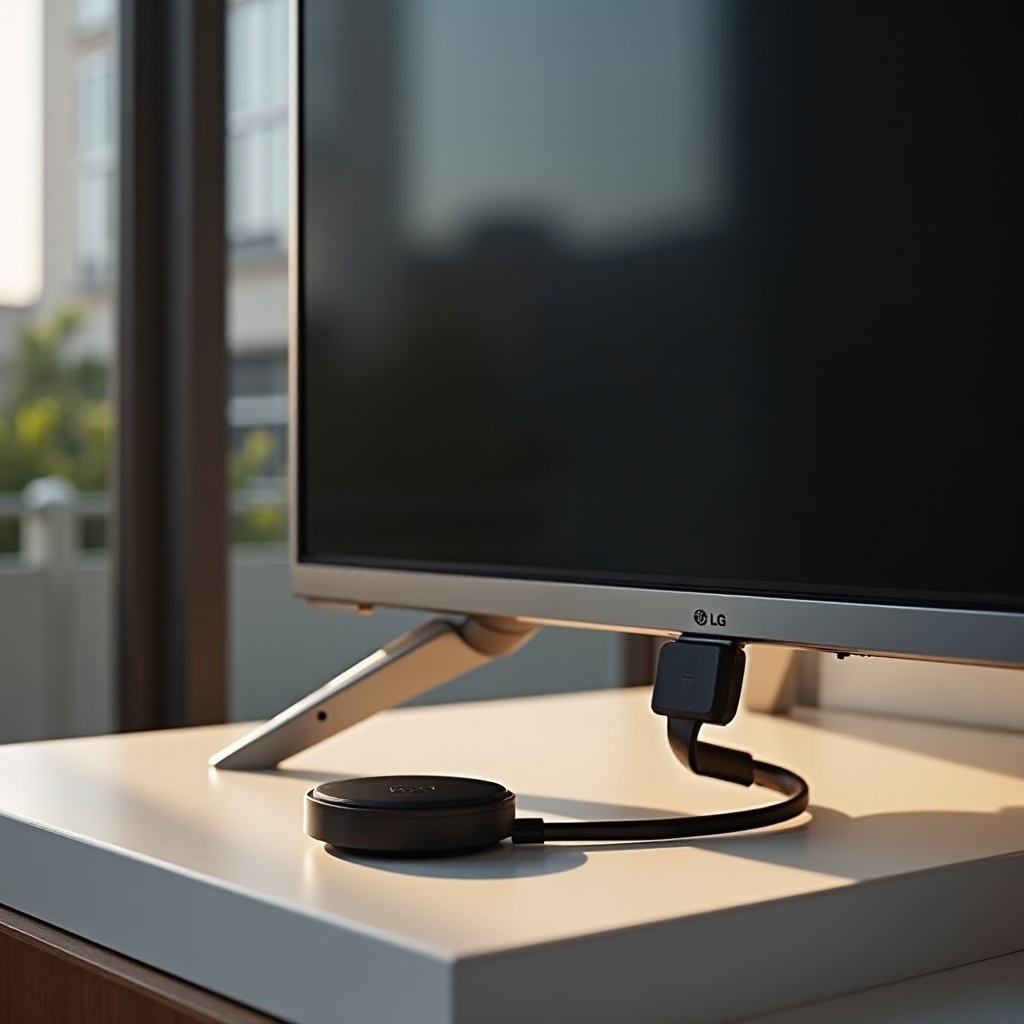
Plug in Chromecast: Insert the Chromecast into an available HDMI port on your LG TV and power it using the provided USB cable.
-
Connect to Wi-Fi: Download the Google Home app on your smartphone or computer. Follow the app’s instructions to connect your Chromecast to the Wi-Fi network.
-
Pair the Devices: Ensure that both your LG TV and casting device are connected to the same network. Use the Google Home app to complete the pairing process.
-
Start Casting: Launch any app that supports Chromecast or access a compatible website, then click the cast icon. Select your TV from the list to start streaming content.
If any setup issues arise, common solutions involve checking your network connection, updating your devices, or restarting the Chromecast and TV. With the process complete, you can enjoy a wide range of content on your LG TV.
Alternatives to Chromecast for LG TVs
Should Chromecast not satisfy your preferences or technical needs, several alternatives are available:
-
Miracast: This wireless casting technology is embedded in most LG TVs, allowing users to mirror the screen of a compatible device onto the TV. To use Miracast, access the ‘Settings’ on your LG TV, select ‘Screen Share,’ and follow the onscreen instructions to connect your device.
-
HDMI Adapters: Opt for a wired solution by purchasing a compatible HDMI adapter for your device. Connect it directly to the TV for a reliable casting experience without needing a Wi-Fi network.
These options provide diverse paths to enjoy your content, ensuring that you’re not limited by any single technology.
Enhancing Your LG TV Experience with Chromecast
Embracing Chromecast not only elevates your LG TV viewing experience but also integrates seamlessly with other smart home devices. Explore how you can improve your streaming session:
-
Google Home Integration: Pair Chromecast with Google Home to utilize voice commands. You can issue commands like ‘Hey Google, play The Crown on Netflix,’ allowing for hands-free television control.
-
App Compatibility: Chromecast supports a wide range of popular apps, such as Spotify, Netflix, and Disney+, giving you quick access to your favorite media.
This interconnected ecosystem enhances the convenience and functionality of your LG TV, creating a comprehensive entertainment center.
Pros and Cons of Using Chromecast with LG TVs
Considering the features of Chromecast in conjunction with an LG TV may guide your decision-making process:
Pros:
- Quick and straightforward setup
- Cost-effective solution for non-smart TVs
- Supports numerous apps with regular updates
Cons:
- Dependence on a strong Wi-Fi connection
- Not inherently included in most LG TV models
- Requires control through a mobile device
Reflecting on these aspects can aid in determining whether Chromecast aligns with your entertainment requirements.
Conclusion
Whether your LG TV inherently supports Chromecast or you opt to purchase a separate device, understanding the functionality and setup of Chromecast opens up vast streaming possibilities. With various alternatives and enhancements available, your TV viewing experience can be significantly enriched by confirming your TV’s capabilities and leveraging compatible technologies.
Frequently Asked Questions
Can I use Chromecast with every model of LG TV?
Yes, as long as your LG TV has an available HDMI port, you can use a standalone Chromecast device.
How do I know if my LG TV supports Chromecast compatibility?
Consult your TV’s specifications manual or check the manufacturer’s website for details about your model’s features.
Are there any subscription services required for using Chromecast with LG TVs?
No, but access to premium services like Netflix or Disney+ will require their respective subscriptions.