
What is in a Printer Cartridge? Uncovering the Mystery
Introduction
Printer cartridges play a pivotal role in translating digital content into physical prints, yet many of us are unfamiliar with the details of what’s inside them. Whether you’re crafting important documents or printing beloved photos, understanding printer cartridges can enhance your knowledge and help you manage your printing more effectively. This article will guide you through the components nestled within printer cartridges, how they function in the printing process, and key environmental considerations.
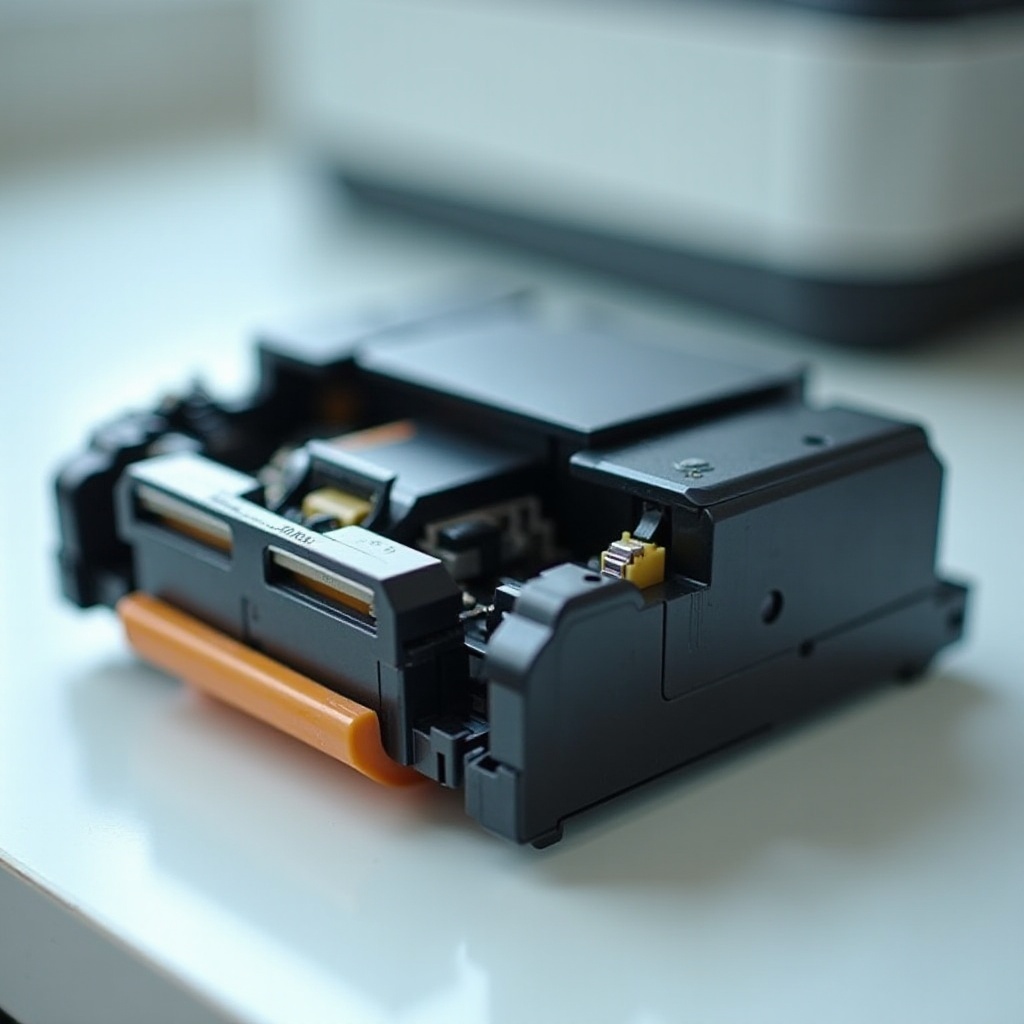
Understanding Printer Cartridges
Printer cartridges vary based on the type of printer, and understanding these differences is essential.
Types of Printer Cartridges: The main types are inkjet cartridges and laser toner cartridges. Inkjet cartridges, often used in home settings and small offices, excel in delivering vibrant color prints. Laser toner cartridges, on the other hand, are favored in larger office environments for their ability to efficiently manage high-volume printing.
Key Differences Between Inkjet and Laser Toner Cartridges: Inkjet cartridges contain liquid ink, perfect for producing high-resolution color images and photos. In contrast, laser toner cartridges use a dry powder that fuses onto paper using heat, making them ideal for faster printing of text documents and higher page yields.
These differences inform user decisions on printer and cartridge selection, linking directly to the components we explore next.
Components of a Printer Cartridge
Printer cartridges are composed of intricate parts working harmoniously to deliver crisp prints.
Ink and Toner Composition: Ink used in inkjet printers involves pigments or dyes in a liquid format to ensure vivid imagery. For laser printers, toner consists of fine powder with plastic particles, carbon, and colorants, essential for the printing process.
Drum Unit and Its Function: The drum unit is crucial for transferring ink or toner onto paper. Within laser printers, the drum attracts toner to form the image before pressing it onto the paper. Precise drum operation sustains the quality of both images and text.
The Role of the Fuser Assembly: In laser printers, the fuser assembly bonds toner to paper with heat, producing smudge-resistant, durable documents akin to professional standards.
Once these components are understood, appreciating the expeditious technology within printing devices becomes clearer.

The Printing Process: How Cartridges Work
While inkjet and laser printers employ distinct technological processes, their ultimate goal remains consistent.
The Ink Transfer Mechanism: Inkjet printers precisely spray tiny ink droplets onto paper, layer by layer, crafting highly detailed images or text. This method is paramount for exceptional photo quality and minute color detailing.
Laser Printing Functionality: Laser printers use a beam of light to etch an image onto a rotating drum, which collects toner particles. The paper then passes through the fuser, completing the process by bonding toner permanently onto the paper for rapid and effective document production.
These processes underscore the significance of using quality cartridges for impressive print outputs, which is also relevant to environmental impacts we examine next.
Environmental Considerations
Environmental effects are an important consideration alongside functionality and quality.
Impact of Cartridge Waste: Printer cartridges make a notable contribution to environmental waste, filling landfills considerably. The plastic they contain can take an extensive amount of time to decompose.
Recycling and Sustainable Practices: Many manufacturers offer recycling programs, enabling users to return used cartridges for responsible recycling or refurbishing. Refillable cartridge systems also present eco-friendly alternatives, promoting sustained usage.
These environmentally conscious practices serve not only the planet but can also prolong printer life and enhance cost-efficiency in printing endeavors.
Troubleshooting Common Cartridge Issues
By acknowledging common cartridge issues, you can maintain printing quality and efficiency.
Dealing with Blockages and Poor Print Quality: Regular nozzle cleaning and executing printhead maintenance can prevent obstructions and uphold quality. Should print quality decline, checking for dried ink or depleted toner often remedies the issue.
Recognizing and Resolving Error Messages: Familiarity with printer error codes can offer insights into ink shortages, nozzle blockages, or mechanical malfunctions. Prompt resolution of these issues prevents major disruptions.
By understanding the complexities of cartridges and resolving problems early, you enhance your printer’s performance and ensure smooth operation.
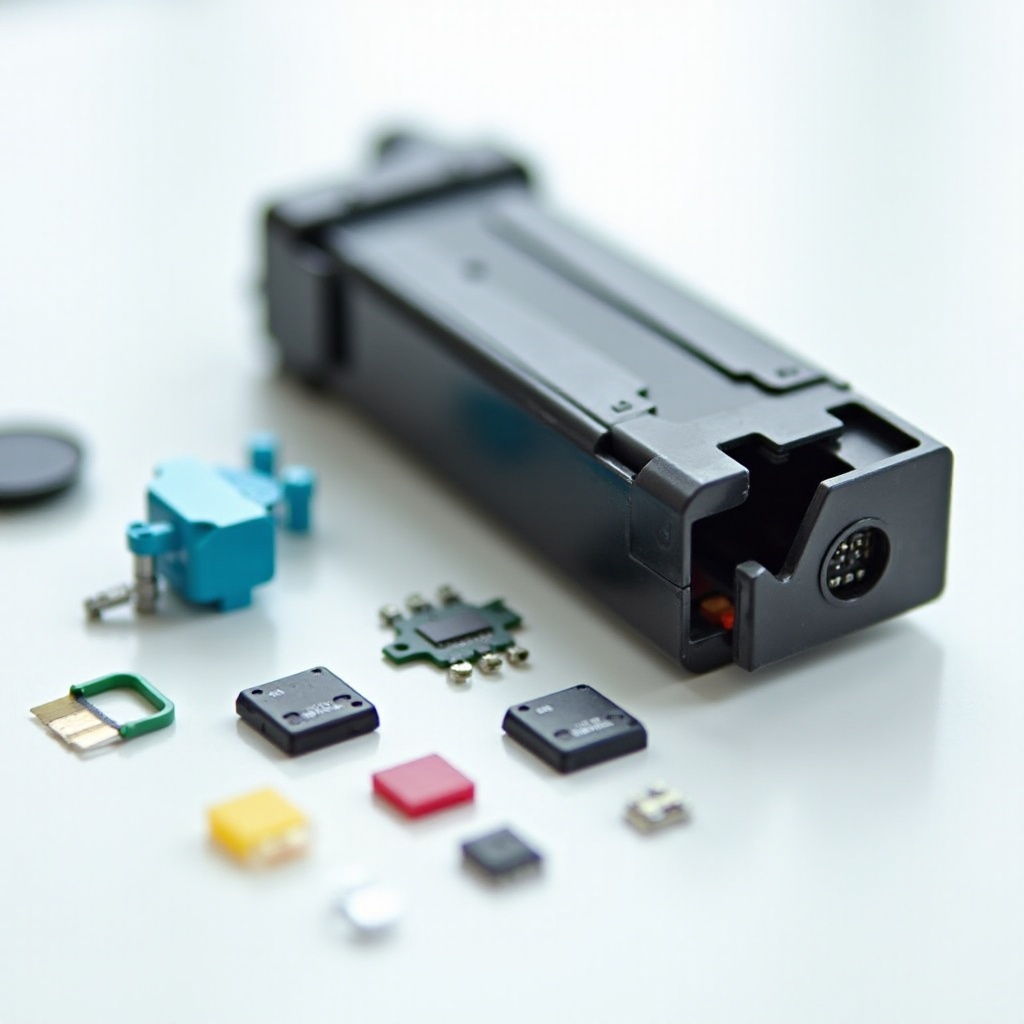
Conclusion
Despite their small size, printer cartridges are integral to the printing process. By grasping their components and functionality, you can make savvier purchases and maintain them responsibly. Eco-friendly options and diligent maintenance not only reduce environmental impact but also boost your printer’s performance and longevity.
Frequently Asked Questions
How can I tell if my printer cartridge is empty?
Many printers provide alerts on low ink, or display messages on your screen. You can test by printing a page; if colors are faint or missing, the cartridge may be empty.
Can printer cartridges be refilled?
Yes, many inkjet cartridges can be refilled, provided you use compatible and high-quality ink to maintain print quality.
What is the difference between OEM and remanufactured cartridges?
OEM cartridges are produced by the original printer manufacturer, offering premium quality. Remanufactured cartridges are recycled by third parties, often at lower costs with comparable quality.