
Uninvited Guests: How to Deal with Bed Bugs in Your Laptop
Introduction
Bed bugs are notorious for their ability to hide in unexpected places, bringing stress and inconvenience wherever they go. While most of us associate these pests with beds, they can surprisingly infest electronic devices like laptops. If you’re starting to notice signs of bed bugs in your computer, you’re likely wondering how they got there and, more importantly, how to get rid of them. This comprehensive guide will explore the unexpected problem of bed bugs in laptops and provide the crucial steps needed to prevent and eradicate them, ensuring your electronics remain pest-free.
Understanding the Problem
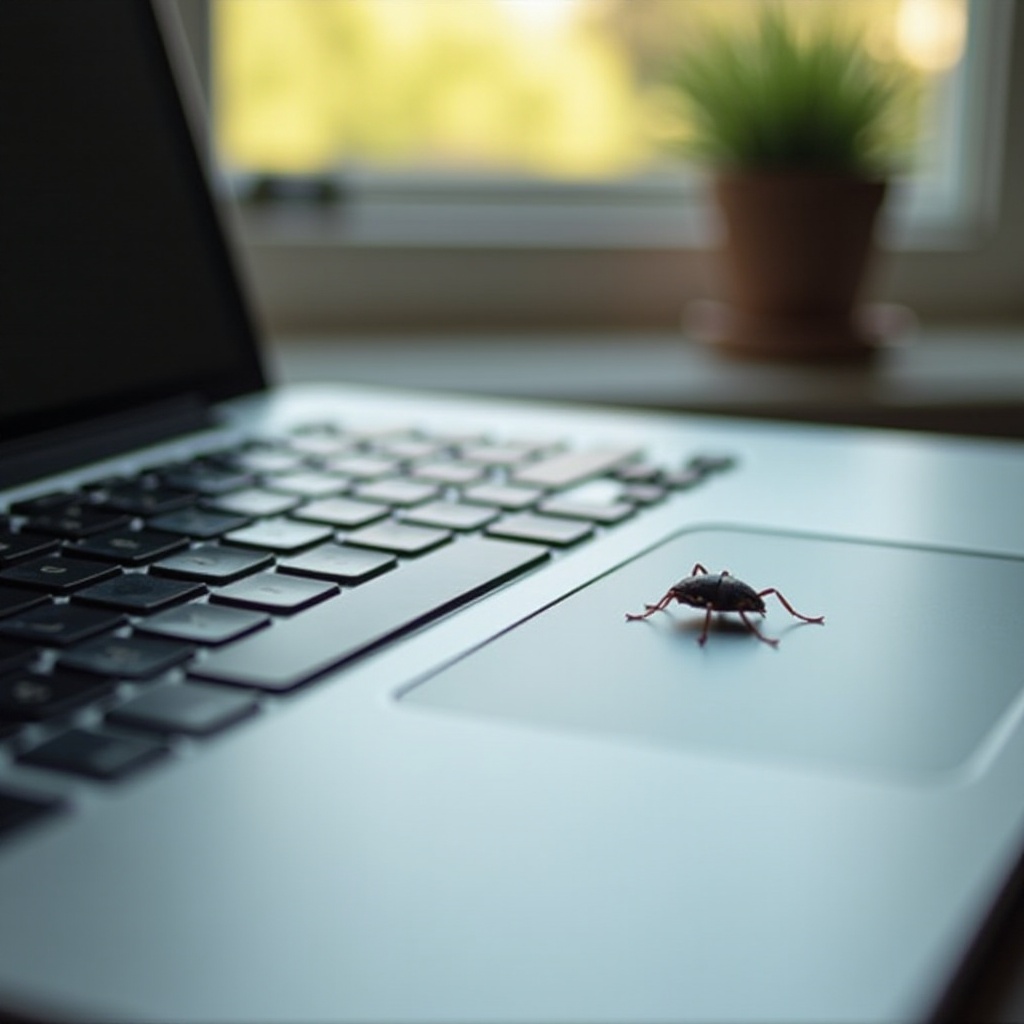
Recognizing the nature of bed bugs is critical in addressing this unique problem. Bed bugs are tiny, wingless pests that thrive on blood, making them a common nuisance in homes and hotels. Aside from bedding, these bugs can infiltrate portable electronics. Laptops are prime targets due to their warm internal environment and numerous hiding spots, providing an ideal refuge once bed bugs have hitched a ride from infested areas.
What are Bed Bugs?
Bed bugs are small, reddish-brown insects that measure approximately the size of an apple seed. Although they cannot fly, they move quickly over floors, walls, and ceilings. Bed bugs are adept at hiding during the day and come out at night to feed on their human hosts, typically leaving behind itchy bites.
How Can Bed Bugs Infest a Laptop?
Laptops can become infested when placed in areas where bed bugs are present, such as hotel rooms or infested furniture. The bugs can enter the laptop through gaps, seeking shelter within. While they do not ’ live’ inside for warmth, these devices offer the seclusion that bed bugs favor.
Signs of Bed Bugs in Your Laptop
Identifying a bed bug infestation in your laptop can be challenging, but there are some warning signs that signal their presence.
Visible Signs to Watch Out For
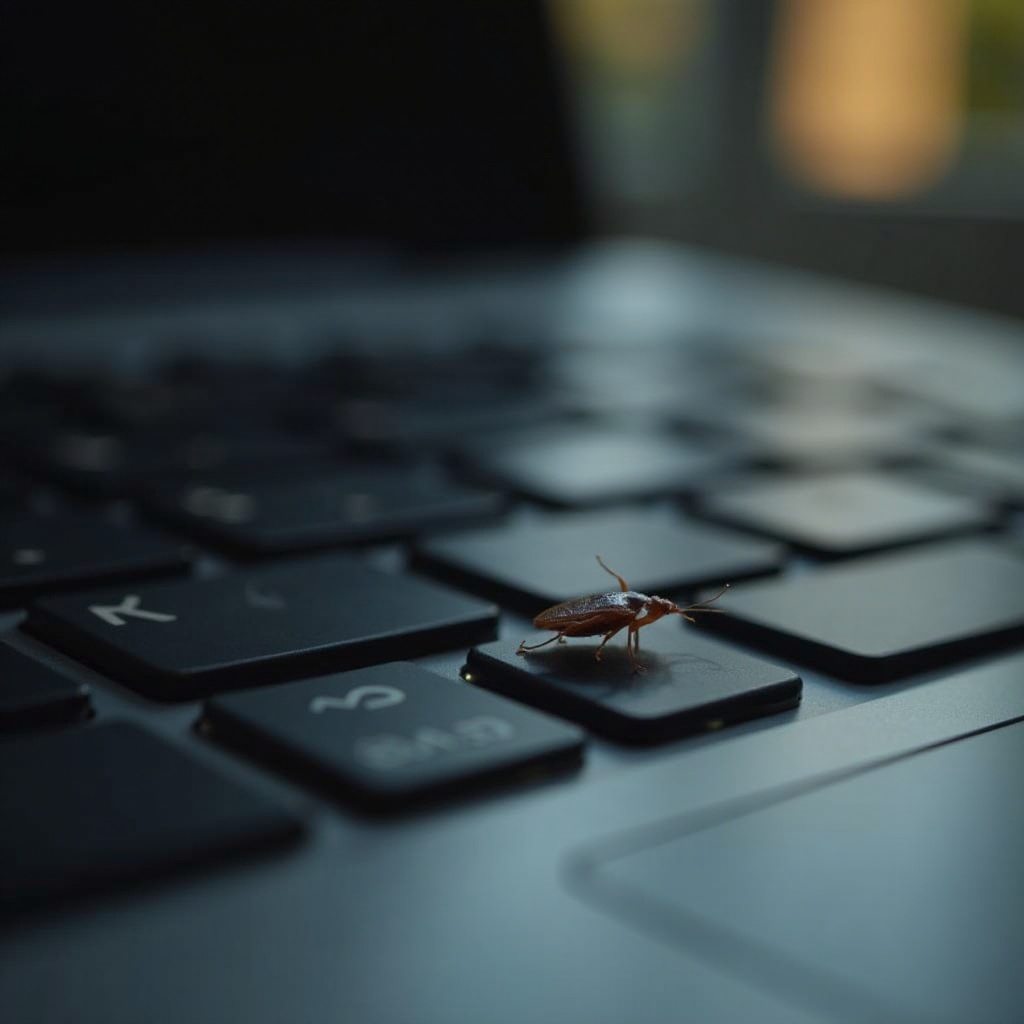
- Dark Spots or Stains: These are bed bug droppings, often found as black or brown spots around laptop seams and ports.
- Shed Exoskeletons: As bed bugs grow, they shed their skins. These can accumulate around cracks and openings in the device.
- Egg Casings: Bed bug eggs and casings are small and pale, often located near ventilation grilles.
Other Symptoms to Consider
- Unexpected Overheating: A laptop that becomes unusually warm can indicate restricted airflow from a heavy infestation.
- Delayed Performance: If your device starts lagging despite regular maintenance, the presence of bed bugs could be a factor impacting its performance.
Preventative Measures
Preventing a bed bug infestation in your laptop is essential for maintaining its integrity and performance. By following the tips below, you can substantially reduce the risk of bed bugs infesting your electronic devices.
Best Practices for Keeping Electronics Bed Bug-Free
- Avoid Contact with Infested Areas: Keep your laptop in protective cases or sealed plastic bags when traveling. Avoid placing it directly on potentially infested surfaces such as hotel beds or couches.
- Routine Cleaning: Use a soft cloth and canned air to regularly clean your laptop. Pay special attention to the keyboard, ports, and ventilation areas to remove dust and debris that might attract pests.
Environmental Control Tips
- Minimize Clutter: A clutter-free environment reduces the number of hiding places for bed bugs, making it easier to notice any potential infestation areas.
- Regular Vacuuming: Thoroughly vacuum the area around your desk and workspace to capture any bed bugs that may have settled there.
Taking preventative steps effectively deters bed bugs and keeps your electronics working optimally.
Steps to Take if Your Laptop is Infested
Should you discover bed bugs in your laptop, quick action can prevent further infestation and damage.
Immediate Actions
- Isolate Your Device: Remove the laptop from any interconnected electronics and personal items to contain the infestation.
- Extensive Cleaning: Utilize compressed air sprays to dislodge bugs from the laptop’s interior and vacuum its exterior, carefully disposing of the vacuum bag afterward.
Safe DIY Methods to Clear Bed Bugs
- Use a Hair Dryer: Carefully apply direct heat to your laptop, as bed bugs are heat-sensitive. Refrain from overheating the device to avoid damage.
- Silica Gel Packets: Place these near your laptop to absorb excess moisture, creating a less hospitable environment for pests.

When to Seek Professional Help
If DIY efforts fail, professional intervention becomes imperative to effectively manage and eliminate a severe infestation.
Indicators You Need an Expert
- Escalating Signs: If signs of bed bugs continue despite your efforts, it may be time to call in professional help.
- Persistent Performance Issues: Ongoing issues with your laptop’s performance can indicate that an infestation has reached a critical point.
Finding the Right Pest Control Service for Electronics
- Seek Expertise: Look for pest control providers who specialize in solutions for electronics. They should have a proven track record of handling delicate devices with care.
- Customer Reviews: Checking reviews and testimonials can ensure that you choose a service that is both reliable and effective.
Engaging professionals provides a thorough eradication strategy, safeguarding your electric devices while preventing re-infestation.
Conclusion
While discovering bed bugs in your laptop can be distressing, understanding the signs and taking action can preserve your valuable electronics. Identifying and preventing infestations early is crucial, along with implementing safe and effective cleaning strategies. Remain attentive to your environment, and embrace preventative steps to maintain a bug-free workspace. With vigilance and prompt action, you can protect your tech from these unwanted invaders.
Frequently Asked Questions
Can bed bugs destroy my laptop?
While bed bugs themselves do not destroy laptops, their presence can affect performance by blocking ventilation or causing physical discomfort.
How long can bed bugs survive in a laptop?
Bed bugs can survive for several months in a laptop due to their ability to live without feeding for extended periods, often up to a year.
Are there any electronic devices immune to bed bugs?
No electronic device is entirely immune to bed bugs. However, proper care and preventive measures can significantly reduce their likelihood of infesting your gadgets.